I love the ability to control which contacts or domains I get notified by. This is cumbersome and inconsistent in gmail. For instance, sometimes I get emails from different contacts at my kids school. Sometimes it's urgent. So, for that particular domain, I chose to get notified of every new email. Others, I will see when I get to them.
It may sound dumb, but there is some cognitive load in deciding what to do with each email. Archive/label/delete/stat/decide to reply later/is this a to do?
All those decisions are gone with Hey. There are just 3 choices.
Set Aside - something needs to happen or maybe a quick reference.
Reply Later - self explanatory (though admittedly, I don't use this much)
Mark as seen - everything else.
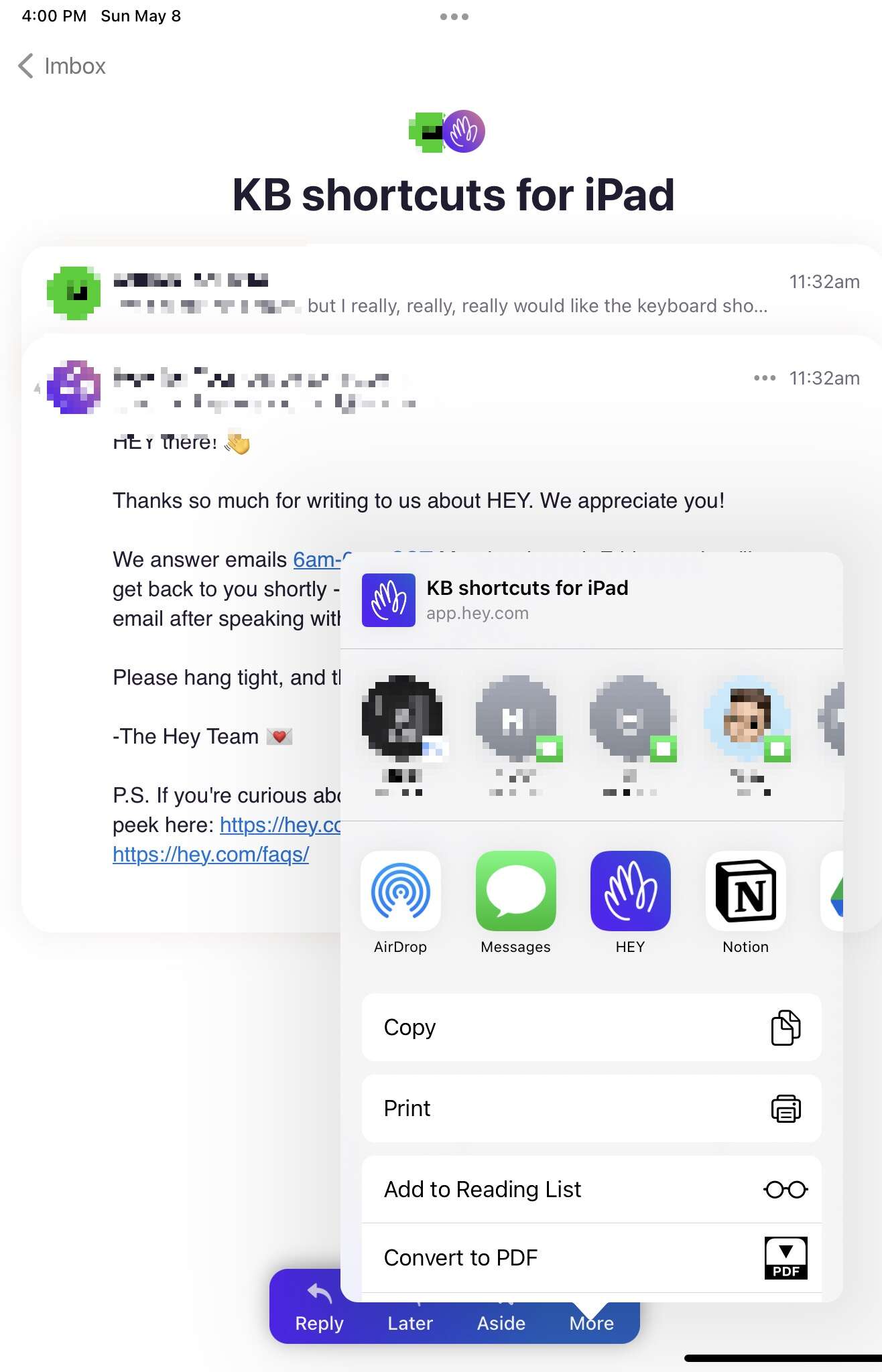
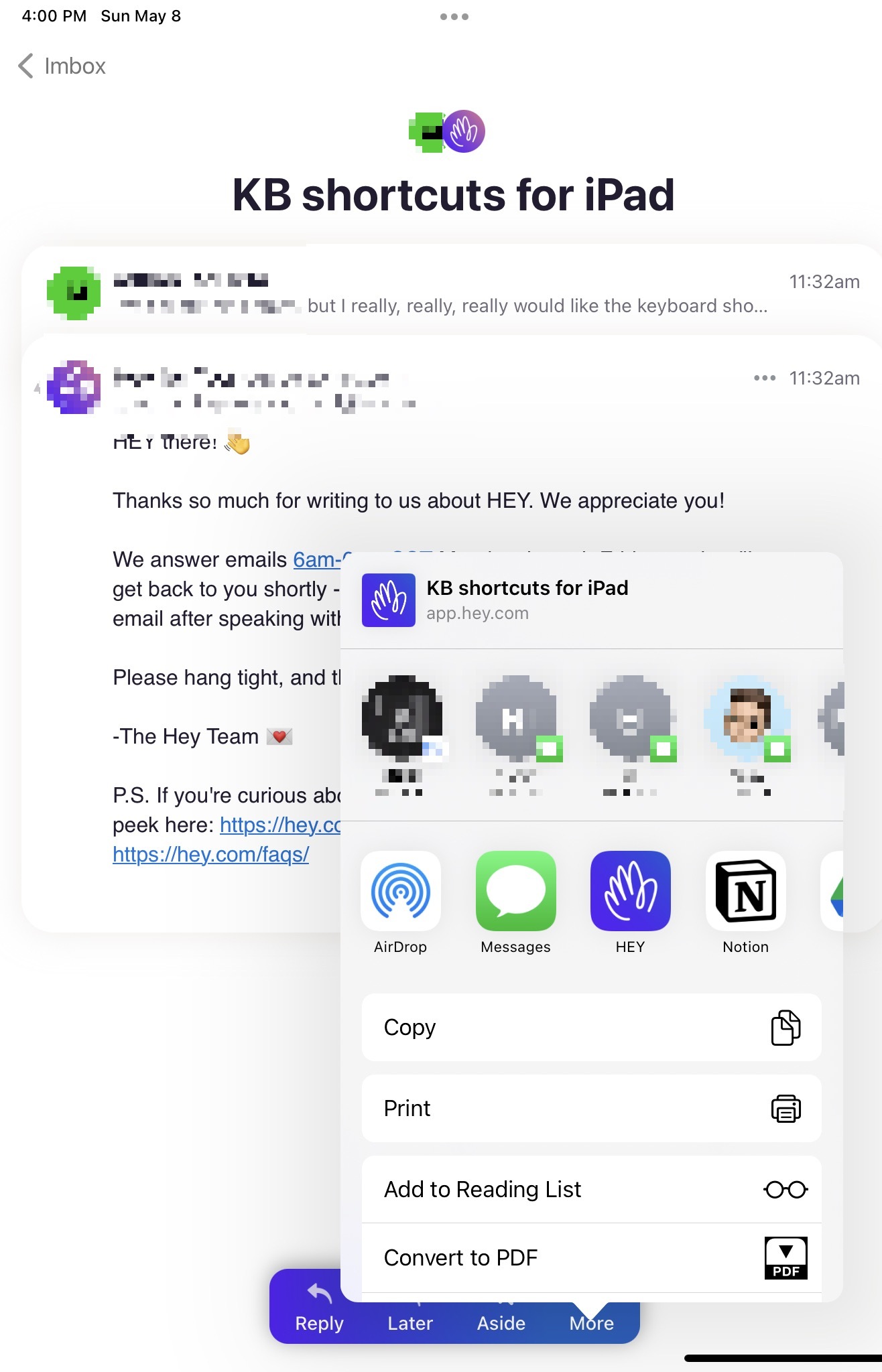
Copy a link to an email
I use this mostly to link to an email in my task manager
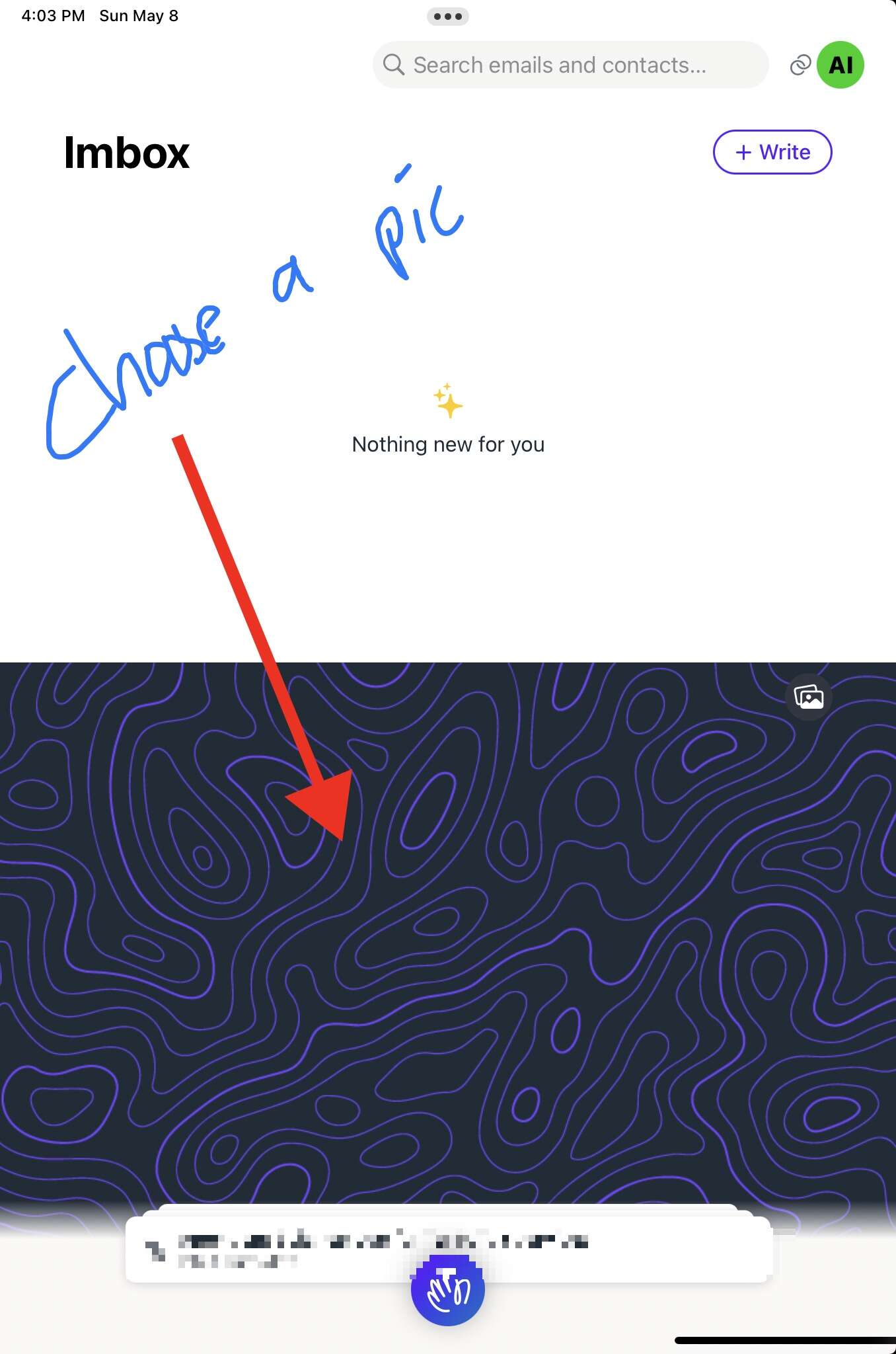
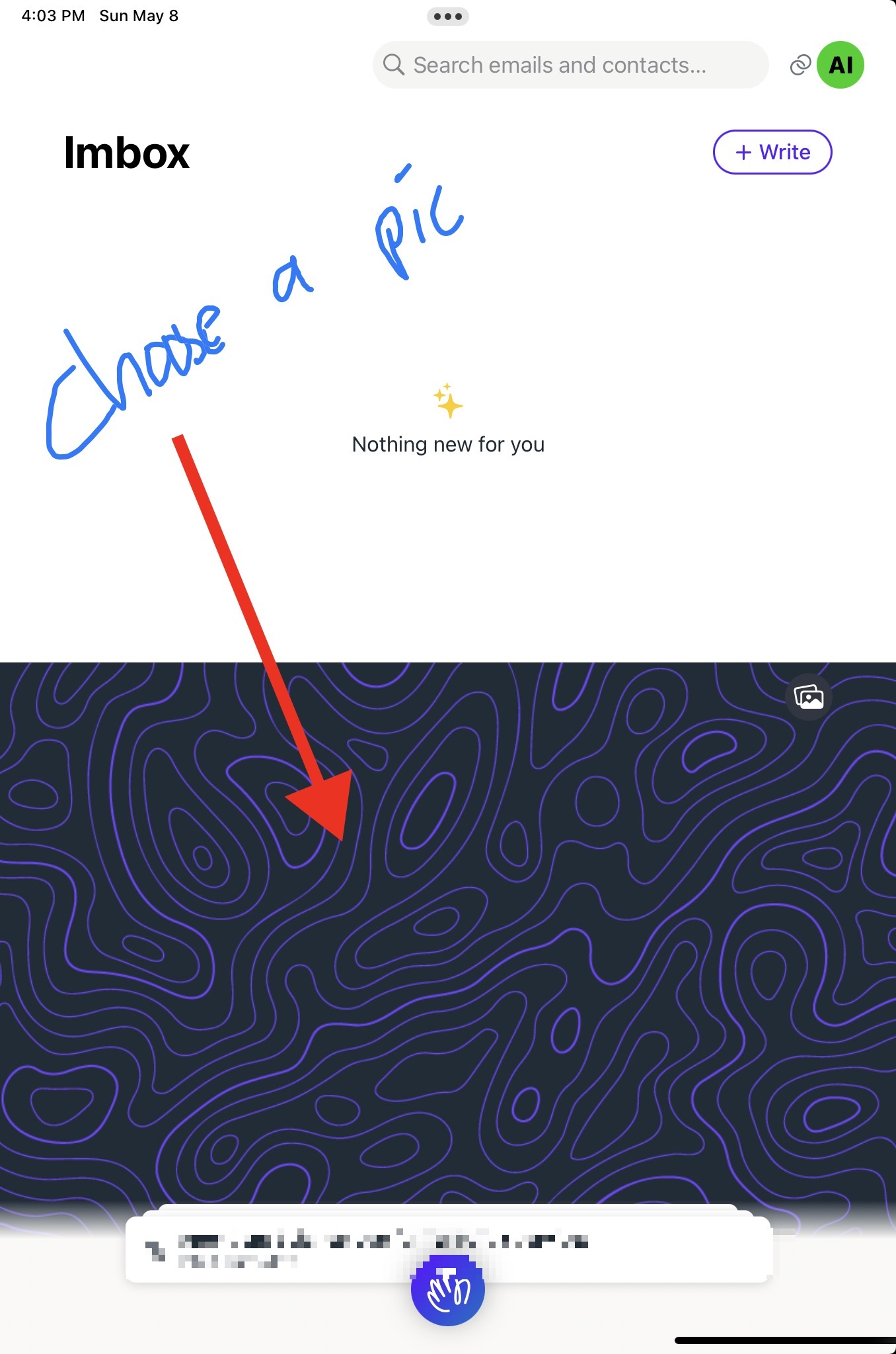
Choosing your own pic to cover the seen email in the Imbox
It might be corny, but it really brings me a lot of joy to have a fun picture of my kids or my wife every time I'm in my email.