Javelit Diary #02 - Rendering media the good old HTTP way
New here? Javelit is Streamlit for Java. Find it on GitHub.
Presenting Javelit at Devoxx France 2026 (probably)
Last week I shared Guillaume Laforge's articles about Javelit on LinkedIn. Imagine my surprise when I read this comment: See you next year at Devoxx France? Of course I'll still be subject to the RFP process but I guess I'll have a head start 😁
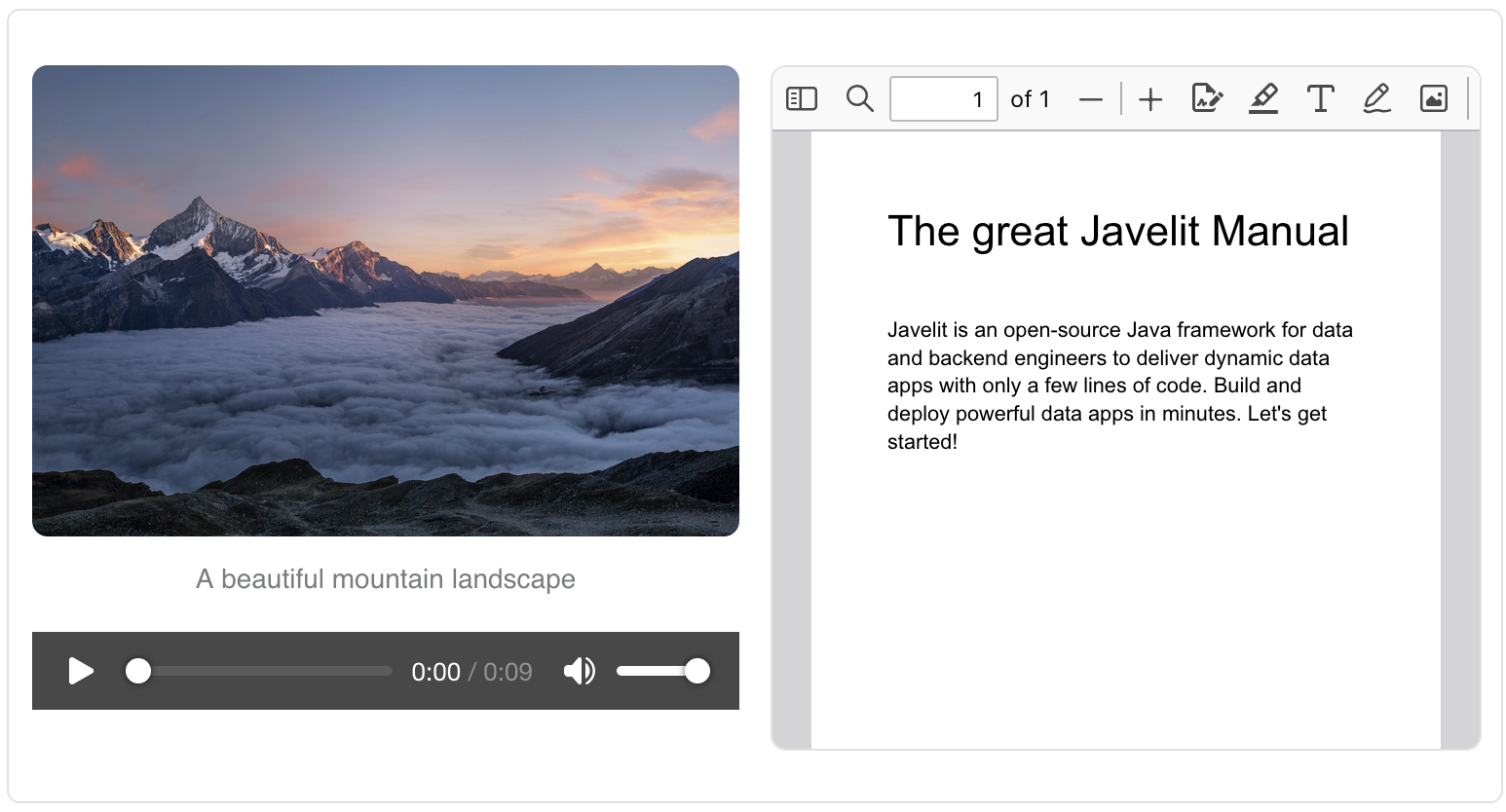
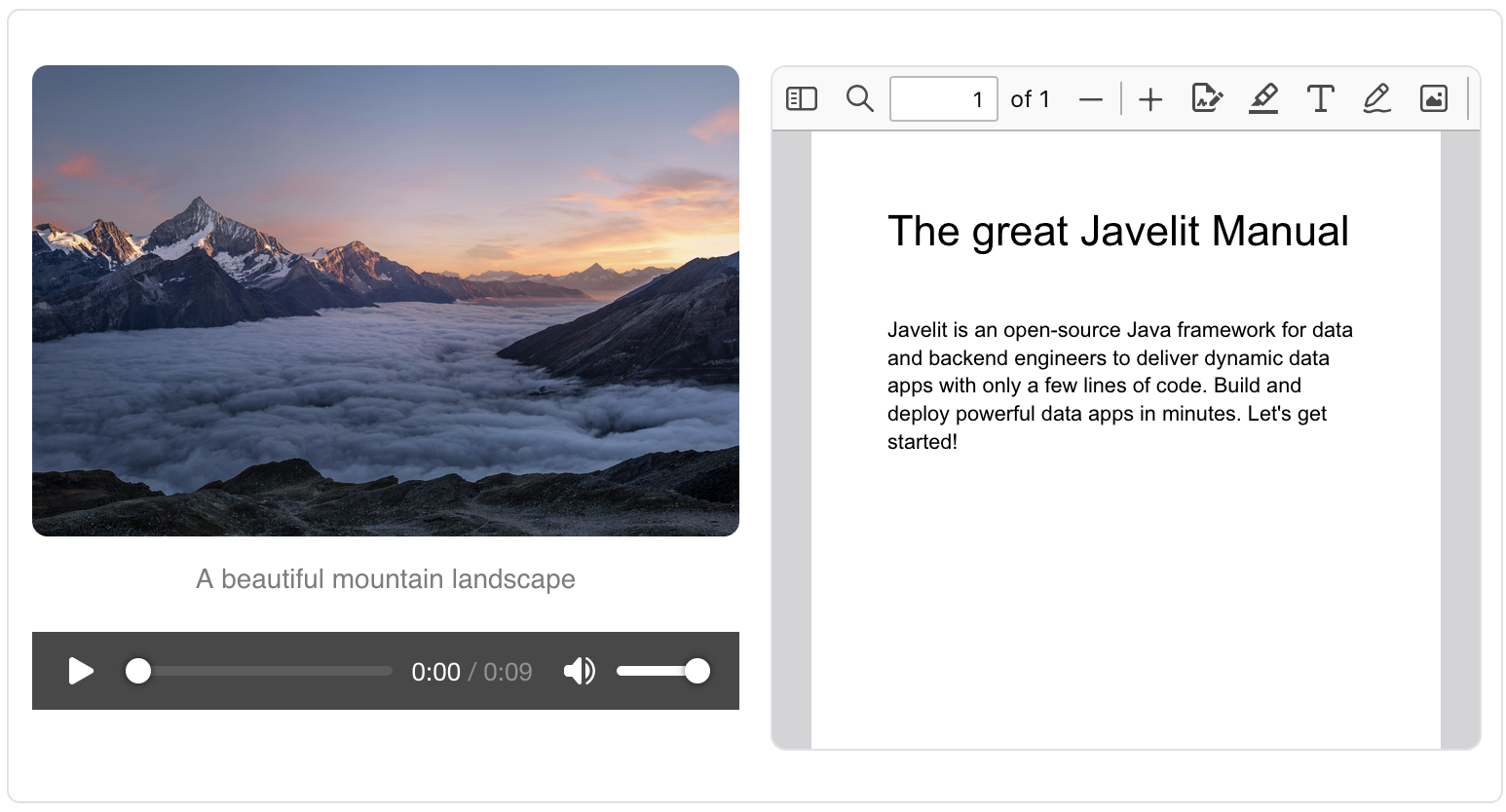
Javelit just got 3 new media components: - image - audio - pdf
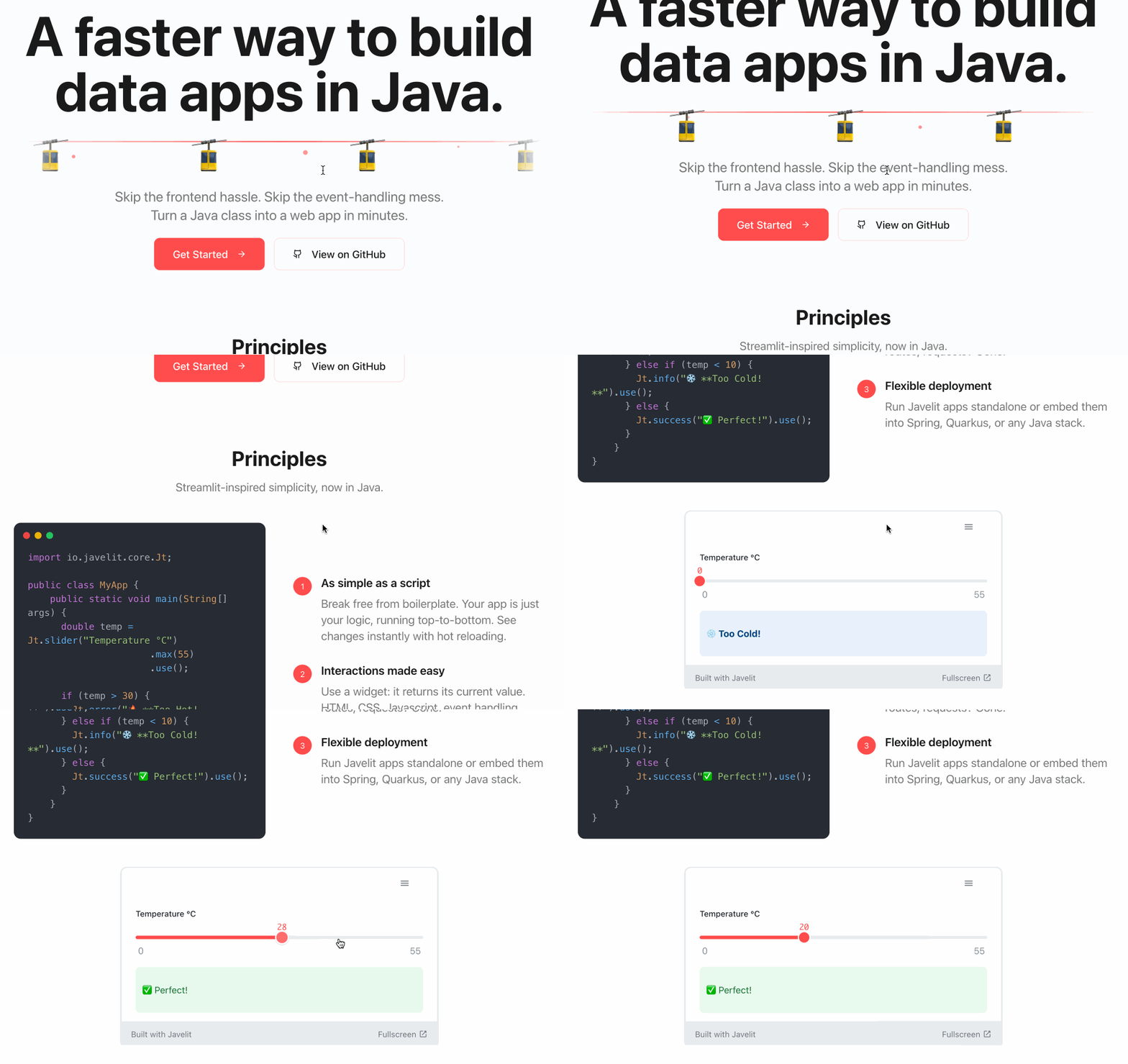
Building image generation apps will be easier now! The audio player was requested by philippart-s. With speech AI getting more and more powerful, I can't wait to see what he's going to build! About PDFs. Nobody asked for PDFs. I wanted to implement it because it'd make use of an <iframe>: a good opportunity for me to ensure a few HTTP headers were set properly - they were not. Also a good warm-up for the next new feature: embedding Javelit apps in your website! You can already see it in action on the javelit.io website: I like this one! If you're writing a blog, it's a great way to showcase your app without your users leaving your page. It will also be a great addition to the API reference documentation: instead of just showing code, I'll be able to show code and the corresponding live-running app! Sadly this feature is not compatible with Safari yet. The app is iframed, so its cookies are third-party cookies. Safari blocks all third-party cookies nowadays. I use cookies for xsrf protection. I saw workarounds exist, I'll come back to this later.
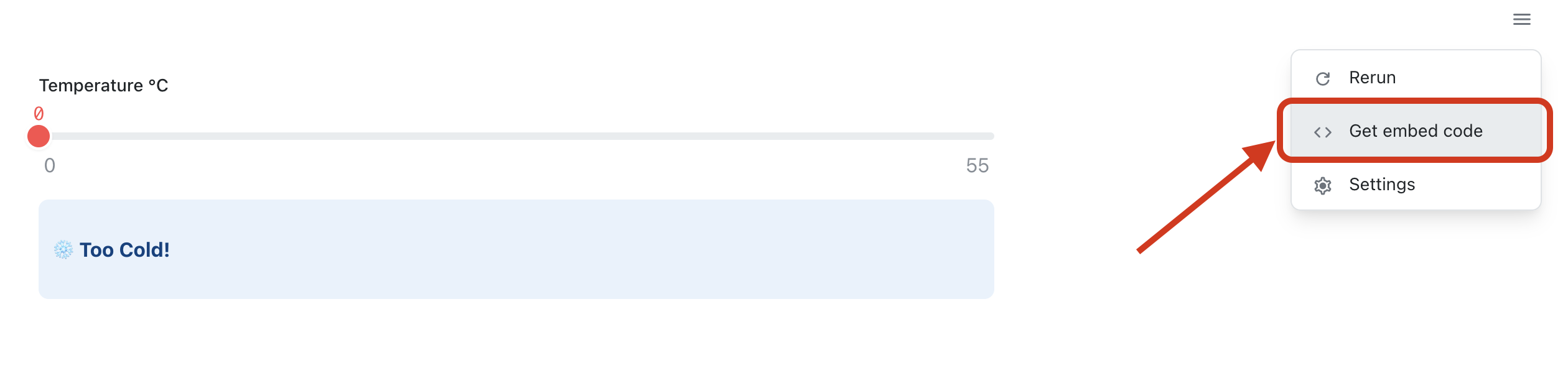
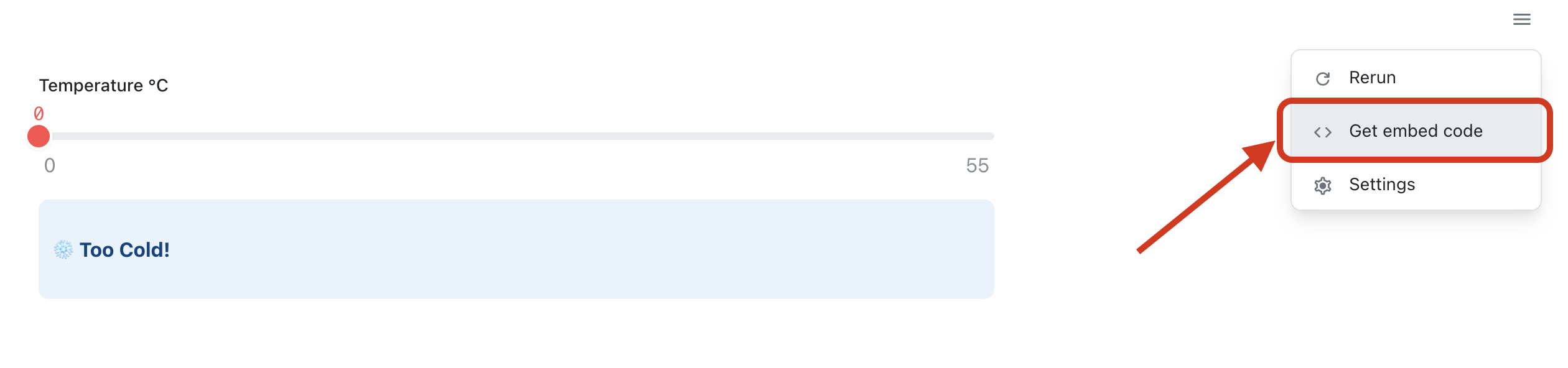
Getting the code snippet to embed your app is easy: 1. Deploy your app (a topic left for the next newsletter!) 2. Click on the app chrome in the top right corner 3. Click "Get embed code". The HTML snippet will be copied to your clipboard. 4. Paste the snippet in your own website!
Rendering media the good old HTTP way
The media components can take as input a url, a local path, or raw bytes:
For a url, the logic is easy: just let the browser do its job:
<img src="the_url">
For path and bytes, the logic is less trivial: how are we supposed to pass the data? Guillaume Laforge didn't wait for the image component to create an image generation app. So how did he do it? He used the classic Base64 url trick:
// encode media bytes as a String
String base64Image =  Base64.getEncoder().encodeToString(imageData);
String mimeType = "image/jpeg";

// generate a valid url
String url = "data:" + mimeType + ";base64," + base64Image)

// pass raw html
Jt.html("<img src='%s'>".formatted(url)).use();
A base64 URL is valid as long as the mime type is supported by the browser. This technique can take you a long way: it supports virtually any media you'll ever need on a webpage! If you dabble with image generation apps and look under the hood, you'll see this is often how images are returned.
While this method is fine for image generation, it has serious drawbacks. Base64 encoding increases size by about 30%: that is fine for a few images, but painful for audio, PDFs and videos. Most importantly, the fullmedia is sent over the network every time. Remember the Javelit execution model: the app logic is rerun top-to-bottom at every user interaction. We don't want the same media bytes flooding across the wire every time the user dares to interact with the app. Streaming is also impractical: the URL itself contains the full data. I'm exaggerating a bit here, as Javelit computes a diff and only sends data for components that had their content or position changed.
So we want caching and streaming. Lucky us! This issue is older than the dot-com bubble and is already solved by HTTP caching and HTTP range requests. I'll spare you the details here, I implemented the logic server side and it just works™. Again, a lot of HTTP headers tweaking. Getting a URL from bytes is now as simple as:
var media = new MediaEntry(bytes, mimeType)
String mediaUrl = registerMedia(mediaEntry)
The registerMedia method is responsible for making the media available at the returned URL, supporting caching, ranges, isolating resources between users, and cleaning up outdated URLs.
Javelit components can access this method. Here is how the image code looks like:
public class MyImageComponent extends JtComponent {

    private final String url;

    public MyImageComponent(byte[] bytes) {
        String mimeType = inferMimeType(bytes); // yes, it's often possible
        this.url = registerMedia(new MediaEntry(bytes, mimeType));
    }

    public MyImageComponent(String url) {
        // easy
        this.url = url;
    }


    @Override
    protected String render() {
        return "<img src='%s'></img>".formatted(this.url);
    }

}
Simple, right? Users can create their own custom components, so I strive to keep the component API simple. I'm pretty happy with the new registerMedia method. It does a lot of work and is simple to use, John Ousterhout style.
Take care. Cyril
Thanks for reading. No AI was used in any way to write this blog. I am not a native English speaker. I'd be happy to get your (human) feedback on the writing.