Editing an item used to change every hunt you had ever used it in. From today a logged hunt keeps the gear it was played with.
Here is what used to happen. You hunt Cobras with a fire imbuement on your Dwarven Armor. The next day you swap that imbuement for ice and hunt the same spot. The moment you saved that change, yesterday's hunt started claiming it had been run with ice too. Nothing warned you, because from the app's side nothing had gone wrong: there was one armor, and it now said ice.
That quietly undermined the thing Hunt Analyser exists for. When you write a hunt description to mark which setup you were testing and then compare two sessions, the comparison is only worth something if each side still shows what it was actually played with. Two hunts could show identical gear having been played with different gear.
Some players do keep several copies of the same armor on purpose, one per imbuement. It makes building and comparing sets fast, and Duplicate is there for exactly that. What had gone wrong is that it stopped being a choice: it was also the only way to keep two hunts honest, and on the free plan every copy spent part of your item allowance. Keeping one armor and changing it between hunts was simply not an option.
What's Changed
Editing an item or a Wheel of Destiny that a hunt has already recorded now keeps that hunt intact.
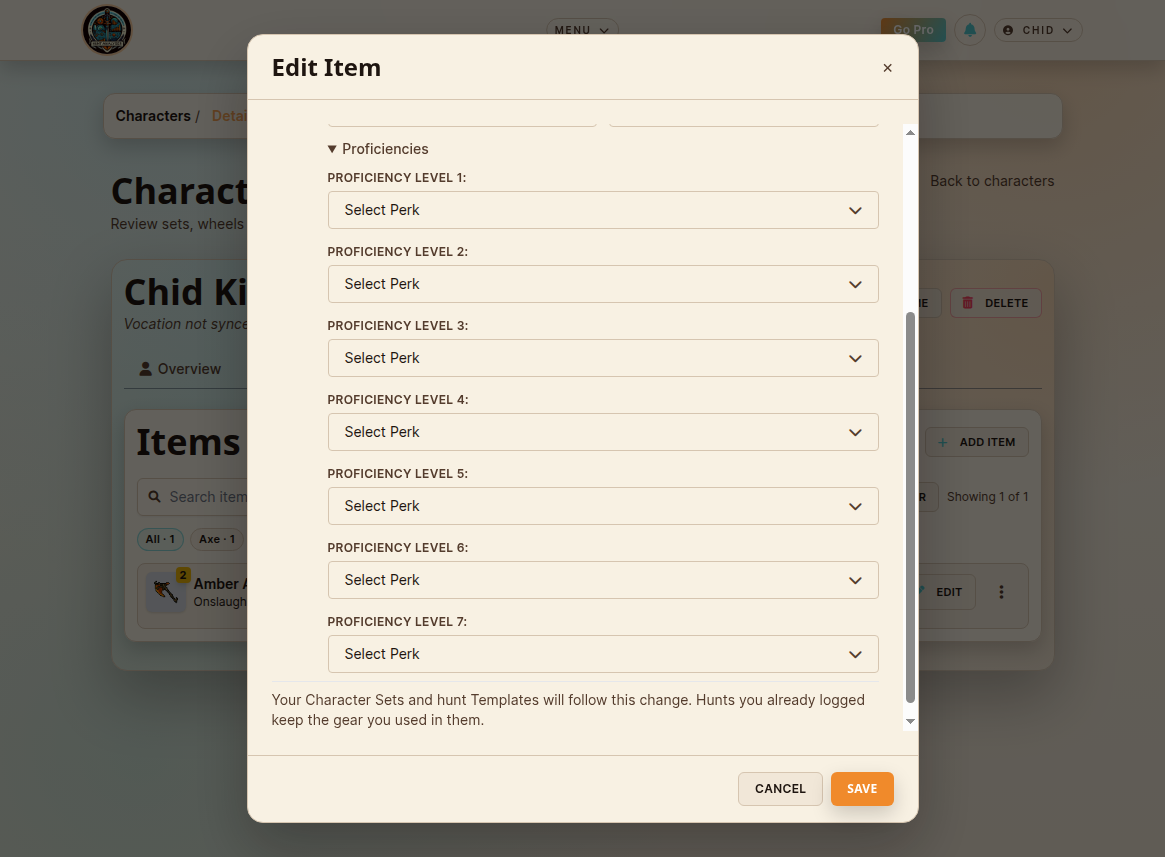
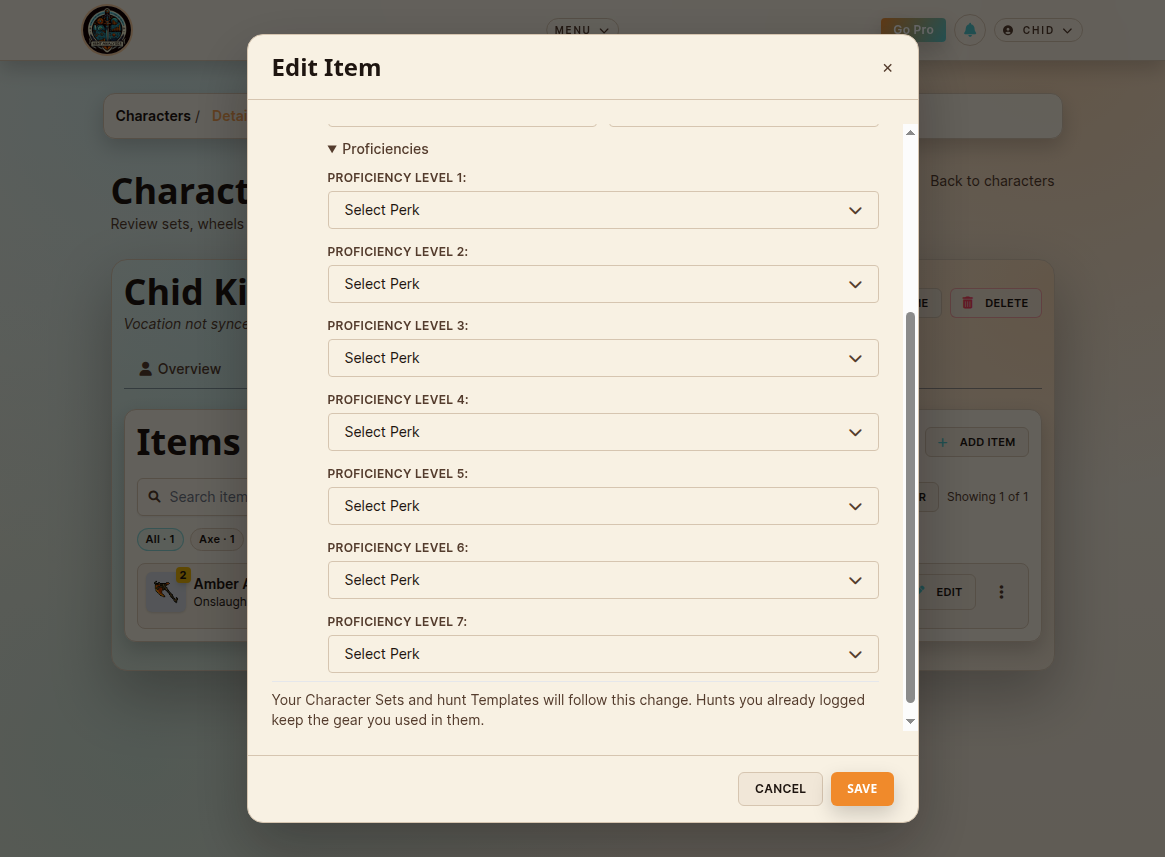
- Hunts you already logged keep their gear. The tier, the imbuements and the proficiency perks each session shows are the ones it was saved with, and the resistances and bonuses on that session are calculated from them.
- Your Character Sets and hunt Templates follow the change forward. The loadouts you equip are always the current configuration, so nothing you hunt with gets quietly downgraded.
- Your item list still shows one row per item. Older versions never appear in any picker, so choosing gear does not turn into a list of your own past edits.
- It costs you nothing against your plan. Keeping your history accurate does not eat your item allowance.
- Wheels of Destiny work the same way, with one deliberate exception: renaming a build is just a rename. Fixing a typo in a title never forks anything.
- The edit screen says so before you save, in all five languages.
Where You'll See It
- Characters → Items: editing any item.
- Characters → Sets: your sets keep the current configuration.
- Characters → Wheels of Destiny: editing a build.
- Hunt Sessions: the gear each session reports, and the Comparison report built on it.
Correcting a hunt you already logged
If you logged a hunt and only then noticed the gear was set up wrong, open that hunt and pick the item again in its gear panel. Editing an item or a build from inside a hunt's own form also moves that hunt onto what you just saved, since that is the hunt you are looking at. Every other session keeps its own.
What this does not do
It does not go back and guess. Hunts logged before today carry whatever configuration they were already showing, and nothing was rewritten to look historical. The app should not present a guess as a fact, so it does not.
This one came in as a player report, and it was right. If something on your screen does not match what you played, tell me. Those messages are worth more than they sound.
Happy hunting!
— Rachid Calazans
Proud creator of Hunt Analyser
Proud creator of Hunt Analyser