Yes, I know, it is “just” a layer on top of WireGuard.
But that is really just the nerd’s perspective.
What makes Tailscale incredible is the user experience.
Let me explain.
The rise of AI has changed a lot of things, whether we like it or not.
Just look at all the data breaches happening in France, and it quickly becomes clear that the world has changed.
The need for cybersecurity is much greater than it used to be.
In the past, a minor vulnerability here or there was not considered a big deal.
But those days are over. Sure, American AI models have safeguards that prevent you from doing anything too reckless.
Chinese models, however, could not care less.
With that in mind, I have spent a lot of time rebuilding my entire infrastructure over the past few months.
From a security standpoint, my infrastructure is nothing like it used to be. For example, although I was already using Cloudflare for some projects, I was not using it for all of them.
As a result, my origin servers accepted traffic from anywhere in the world, even when Cloudflare was not sitting in front of them.
That is no longer the case.
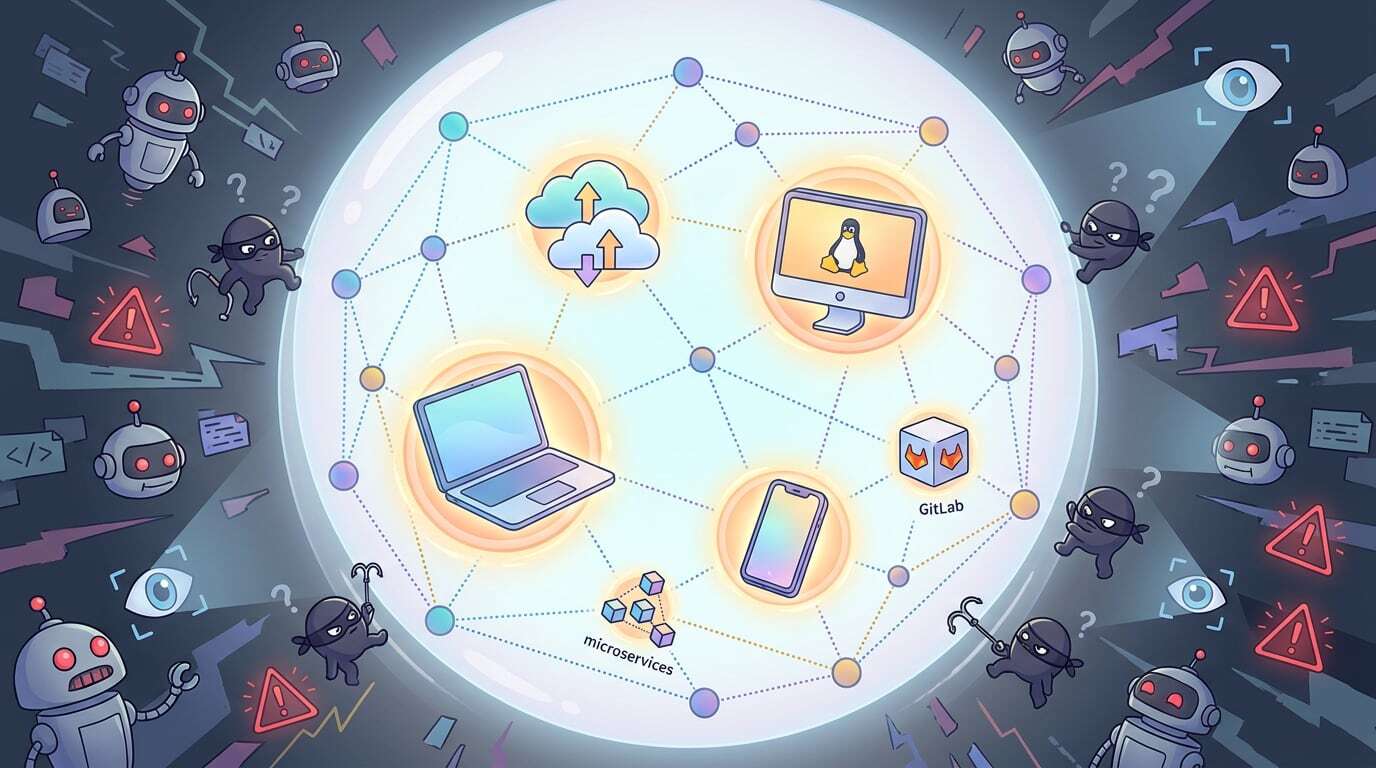
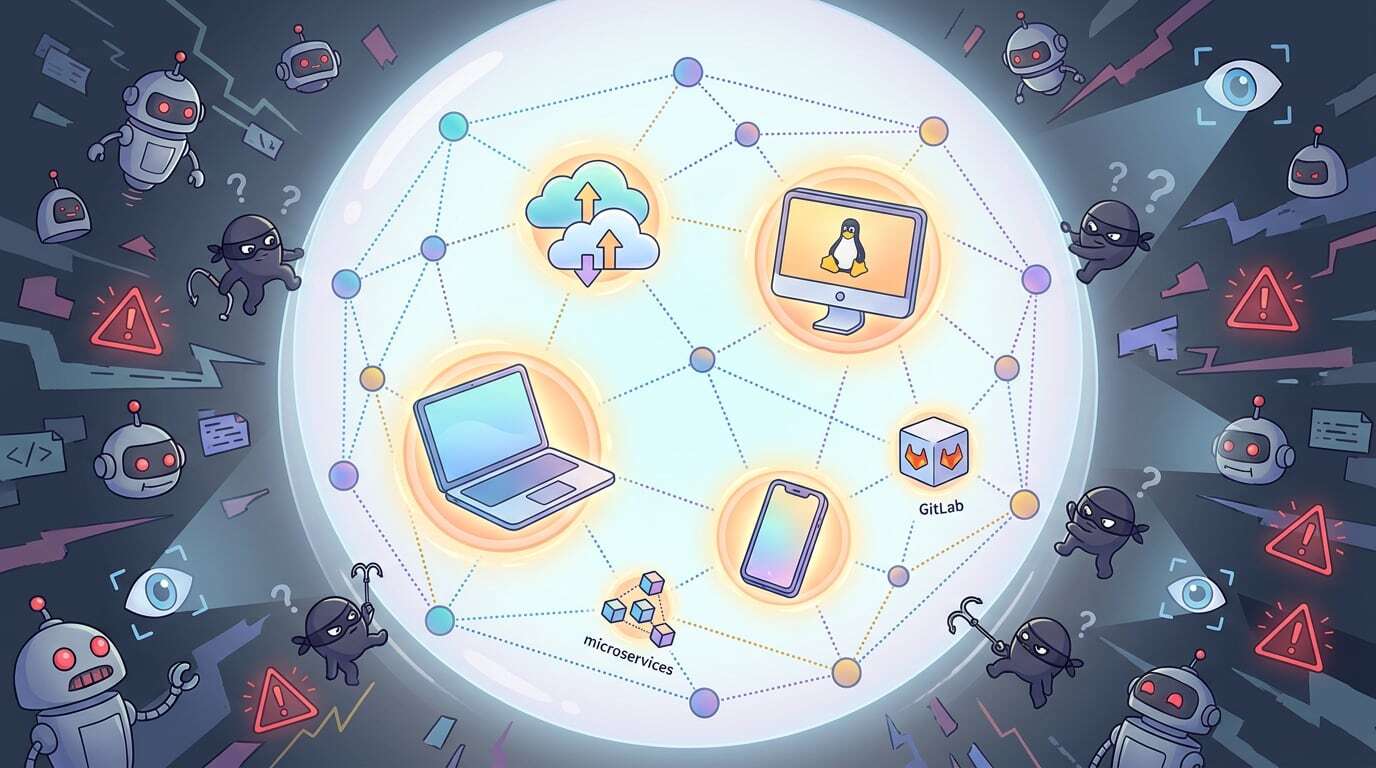
And this is where I introduced Tailscale across my entire stack.
I still need self-hosted services, such as GitLab, to be accessible from all my devices, as well as from my partners’ devices.
But exposing this type of service directly to the internet may once have been acceptable. Today, it is completely out of the question. As I am writing this, GitLab was hit by a fairly nasty CVE just a few days ago.
In short, exposing GitLab to the internet? Bad idea.
So I started adding all my devices to Tailscale, including my servers and my personal devices: my Mac, my PC running Omarchy, and my iPhone.
Without any painfully complicated configuration, I ended up with a complete network and clean ACLs, ensuring that not everyone can access every service. Having spent time setting up OpenVPN a few years ago, I know just how tedious configuring a VPN can be.
And I did it in just a few hours.
The icing on the cake is Tailscale Services.
You can, and I do, make services accessible to your applications, such as microservices. Your applications need a stable hostname. If the server hosting a microservice changes, the URL used by your application absolutely must not change.
That is where Tailscale Services really shines.
Tailscale generates a domain name for you, and just like that, your service remains accessible through the same URL for its entire lifetime. No more stress when moving it to another machine.
Similarly, you can have internal DNS within your Tailscale network. My GitLab instance, for example, is completely inaccessible from outside the network, yet it uses `git.developpeur-freelance.io`. I have a similar setup for the container registry.
Today, around 40 of my projects depend on this GitLab instance and its registry.
Updating every one of them, even with AI, would take me an incredible amount of time.
When someone connects to my Tailscale network, `git.developpeur-freelance.io` points directly to GitLab’s internal IP address, where it is available on ports 443 and 22.
Cybersecurity is becoming genuinely critical, and attackers now have access to far more sophisticated tools than they did just a year and a half ago.