Now that Picstome offers handles for public profiles for photographers, the next best use case for these handles is to display bio links. This feature allows photographers to showcase their social profiles in one place, serving as an alternative to linktr.ee.
Customers should be able to create bio links, which we will display on their Picstome public profile. Although it seems like a simple feature, the implementation had a couple of challenges.
The first step was to create a new Bio Link model along with the necessary migrations. I needed two fields: a title and a URL. Additionally, I required a column to store the team ID to establish a relationship with the customer's personal team, as well as an order column for sorting links.
// database/migrations/2025_09_04_002242_create_bio_links_table.php

return new class extends Migration
{
    public function up(): void
    {
        Schema::create('bio_links', function (Blueprint $table) {
            $table->id();
            $table->foreignId('team_id')->constrained()->onDelete('cascade');
            $table->string('title');
            $table->string('url');
            $table->integer('order')->default(0);
            $table->timestamps();
        });
    }
};
The next step was to create a Laravel folio page, enabling customers to manage their bio links by creating, updating, and deleting them.
To add a new link, I implemented an add link action to store the form data and then reset the form fields. This uses a Livewire Form, allowing me to reuse the form logic for editing bio links.
// resources/views/pages/bio-links.blade.php

new class extends Component
{
    public BioLinkForm $addForm;

    public function addLink()
    {
        $this->addForm->store();
        $this->addForm->resetForm();
    }
}
The BioLinkForm class didn't exist yet, so I created it and added properties for the title and URL fields, along with validation rules. The store method validates the data and creates the bio link for the current user's team. I also included a helper to reset the form properties.
// app/Livewire/Forms/BioLinkForm.php

class BioLinkForm extends Form
{
    public ?string $title = null;

    public ?string $url = null;

    protected function rules()
    {
        return [
            'title' => ['required', 'string', 'max:255'],
            'url' => ['required', 'url'],
        ];
    }

    public function store()
    {
        $this->validate();

        return Auth::user()->currentTeam->bioLinks()->create([
            'title' => $this->title,
            'url' => $this->url,
        ]);
    }

    public function resetForm()
    {
        $this->reset(['title', 'url']);
    }
}
For editing links, I plan to use inline editing. When the user clicks the edit link button, the edit fields will appear inline instead of opening a new page. To support this, I need an edit link action in the Livewire component to verify that the user can edit the selected link using a bio link policy. This action will assign the link being edited and populate the edit form with the selected link.
// resources/views/pages/bio-links.blade.php

class BioLinkForm extends Form
{
    // ...

    public BioLinkForm $editForm;

    public ?BioLink $editingLink = null;

    public function editLink(BioLink $link)
    {
        $this->authorize('view', $link);

        $this->editingLink = $link;
        $this->editForm->setBioLink($link);
    }
}
// app/Livewire/Forms/BioLinkForm.php

class BioLinkForm extends Form
{
    // ...

    public ?BioLink $bioLink = null;

    public function setBioLink(BioLink $bioLink)
    {
        $this->bioLink = $bioLink;

        $this->title = $bioLink->title;
        $this->url = $bioLink->url;
    }
}
Next, I needed another action to save the new link data. This involves authorizing the action with a policy and using the bio link form to update the data, reset the form, and clear the currently editing link property.
// resources/views/pages/bio-links.blade.php

new class extends Component
{
    // ...

    public function updateLink(BioLink $link)
    {
        $this->authorize('update', $link);
        $this->editForm->update();
        $this->editForm->resetForm();
        $this->editingLink = null;
    }
}
// app/Livewire/Forms/BioLinkForm.php

class BioLinkForm extends Form
{
    // ...

    public ?BioLink $bioLink = null;

    public function update()
    {
        $this->validate();

        return $this->bioLink->update([
            'title' => $this->title,
            'url' => $this->url,
        ]);
    }
}
I also needed an action to allow the user to cancel the link edit if they choose.
// resources/views/pages/bio-links.blade.php

new class extends Component
{
    // ...

    public function cancelEdit(BioLink $link)
    {
        $this->editForm->resetForm();
        $this->editingLink = null;
    }
}
Finally, I implemented the ability to delete links.
// resources/views/pages/bio-links.blade.php

new class extends Component
{
    // ...

    public function deleteLink(BioLink $link)
    {
        $this->authorize('delete', $link);
        $link->delete();
    }
}
I also wanted to allow users to reorder the links. After some research, I found an Alpine Sort plugin that would enable this feature. To make it work, I need another Livewire action to change the link order by receiving the link and the new order from the Sort plugin.
// resources/views/pages/bio-links.blade.php

new class extends Component
{
    // ...

    public function reorderLink(BioLink $link, int $newOrder)
    {
        $this->authorize('update', $link);
        $link->reorder($newOrder);
    }
}
I encapsulated the link reordering logic within a method in the Bio Link model. I'm quite proud of this refactor. The method checks the new order; if it's greater than the current one, it decrements the order of all sibling links between the current and new orders. Conversely, if the new order is lower, it increments the order of the relevant links.
// app/Models/BioLink.php

class BioLink extends Model
{
    // ...

    public function reorder(int $newOrder): void
    {
        $currentOrder = $this->order;

        if ($newOrder > $currentOrder) {
            $this->team->bioLinks()
                ->where('order', '>', $currentOrder)
                ->where('order', '<=', $newOrder)
                ->decrement('order');
        } elseif ($newOrder < $currentOrder) {
            $this->team->bioLinks()
                ->where('order', '>=', $newOrder)
                ->where('order', '<', $currentOrder)
                ->increment('order');
        }

        $this->update(['order' => $newOrder]);
    }
}
It took several iterations to reach this point, but it was worth the effort. The backend implementation is now clear and easy to maintain. Feel free to review the pull request for more frontend details.
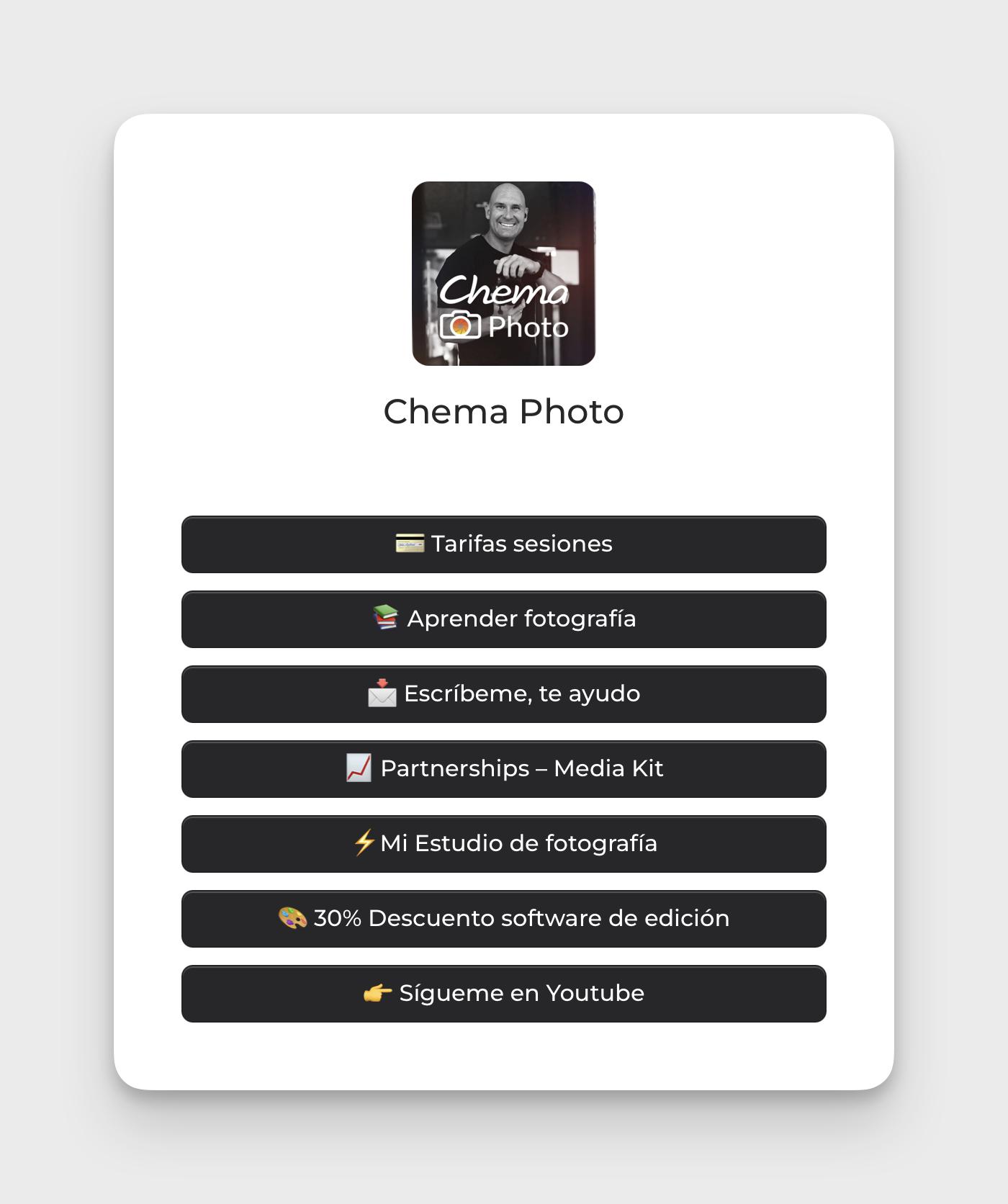
The next steps involve improving the user experience for link management on mobile devices, as the current layout uses tables that require horizontal scrolling. Additionally, I plan to enhance the public profile by adding social links and a bio description alongside the bio links.