GitHub Copilot is one of the best investments I have made. I have access to premium models (with limited requests) and unlimited GPT-4.1, which is excellent. Unfortunately, I cannot use my subscription with other AI services or applications that offer AI capabilities, like Raycast. While Raycast's UI for asking anything to AI is fast with the command bar, it would be great to use my Copilot subscription within Raycast instead of having another AI subscription. Fortunately, this is possible.
This is made possible by a package called copilot-api, which converts your Copilot subscription into a proxy that exposes an OpenAI-compatible API. This integration allows you to use Raycast's AI commands and chat features seamlessly.
To install it, simply run the following command:
This is made possible by a package called copilot-api, which converts your Copilot subscription into a proxy that exposes an OpenAI-compatible API. This integration allows you to use Raycast's AI commands and chat features seamlessly.
To install it, simply run the following command:
npx copilot-api@latest start
If this is your first time running it, you will need to go to GitHub to enable device access by entering a one-time authentication code. After that, it will expose a localhost API that can be consumed by any application that allows you to have a custom AI provider.
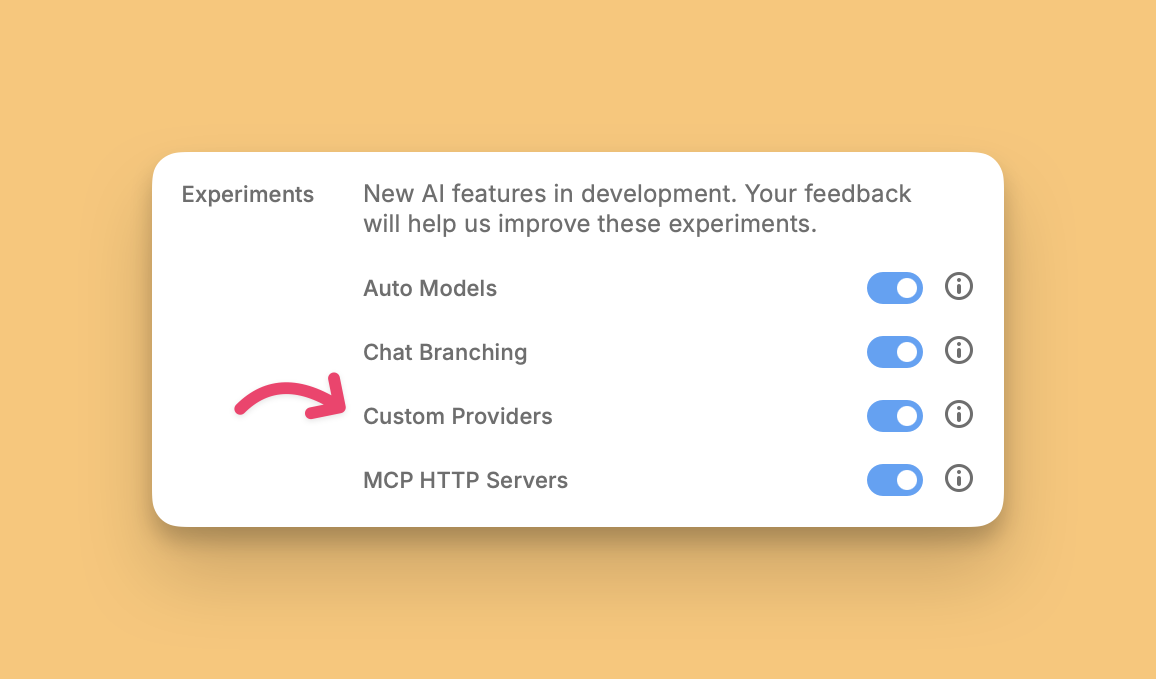
Next, configure Raycast to use a custom provider. Go to the AI settings page, and at the bottom, you will find an option to enable custom providers. In the new custom providers section, you can configure your provider using a YAML template file.
You need to enter the name of the provider and a list of available models. To get a list of models that Copilot offers, use your browser to access the `/v1/models` endpoint. Take the JSON response and update the Raycast YAML configuration file with the list of models, then save the file.
Now you can use your GitHub Copilot subscription to ask anything to the AI from Raycast. It works perfectly with Raycast commands too!