Most developers load interactive maps by default. That's costing you money for nothing.
But here's the thing: the majority of visitors never pan, zoom, or interact with your map. They just want to see where something is. Yet you're paying for a full dynamic map load every single time.
There's a better pattern.
Instead of loading a heavy JavaScript map library on page load, display a static map image. Cheap, fast, no API calls to the dynamic map service. When the visitor actually wants to interact, by clicking or tapping the map, then you load the dynamic map.
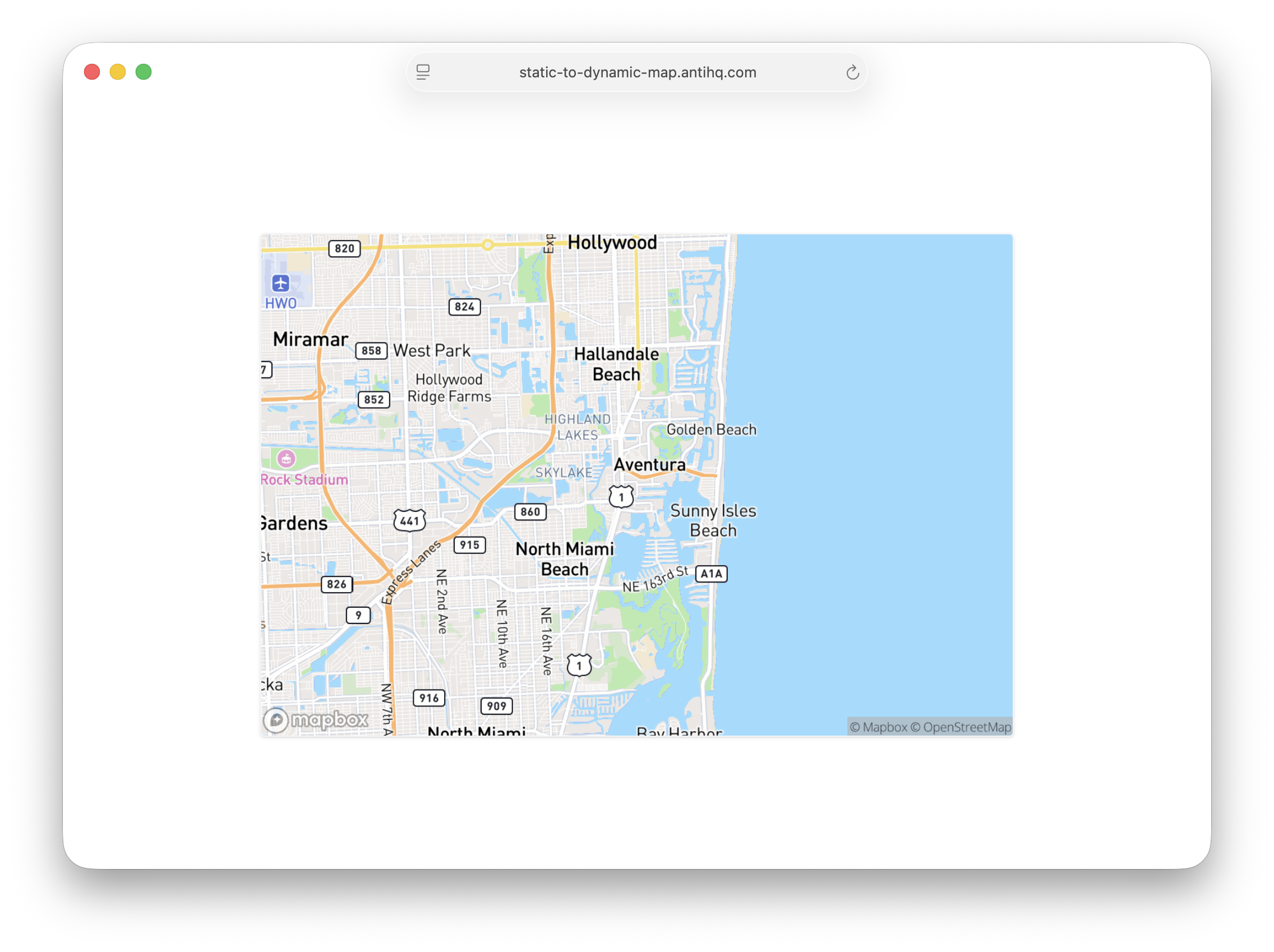
Map services like Mapbox and Google Maps charge differently for static images versus dynamic map loads. Static images are significantly cheaper. If 100 visitors view your page but only 10 interact with the map, you've just reduced your dynamic map API calls by 90%.
The user experience doesn't suffer. Most visitors get exactly what they need: a visual of the location. The ones who want more get it with a single click.
I built this with Alpine.js because it's lightweight and handles the state elegantly. The core idea is simple: show a static map image generated via URL with your map provider, and on click, hide the image and initialize the dynamic map in its place. The map only loads when someone actually wants to use it.
The static image URL includes your marker and coordinates, so it looks identical to the dynamic map at first glance.
<div x-data="{
    showDynamic: false,
    accessToken: 'YOUR_MAPBOX_TOKEN',
    centerLng: -80.142715,
    centerLat: 25.951435,
    markerLng: -122.0878,
    markerLat: 37.7504
}">
    <button
        x-show="!showDynamic"
        @click="
            showDynamic = true;
            $nextTick(() => {
                mapboxgl.accessToken = accessToken;
                new mapboxgl.Map({
                    container: 'map',
                    style: 'mapbox://styles/mapbox/streets-v12',
                    center: [centerLng, centerLat],
                    zoom: 11
                });
            });
        ">
        <img :src="`https://api.mapbox.com/styles/v1/mapbox/streets-v12/static/pin-s+4682b4(${markerLng},${markerLat})/${centerLng},${centerLat},11,0/600x400@2x?access_token=${accessToken}`">
    </button>

    <div id="map" x-show="showDynamic" class="w-full h-[400px]"></div>
</div>
The full implementation with Mapbox markers and controls is available on GitHub, and you can play with the live demo.
This pattern isn't revolutionary. It's just thoughtful. The best optimizations often are.
Steal the code. Adapt it to Google Maps or your provider of choice. Your budget will thank you.