In Wordpress no-code world, there's a theme-builder called Divi by Elegant Themes.
Doing a short study on their accordion structure.
Typically, the accordion has the label on the left and the open/close toggle on the right.
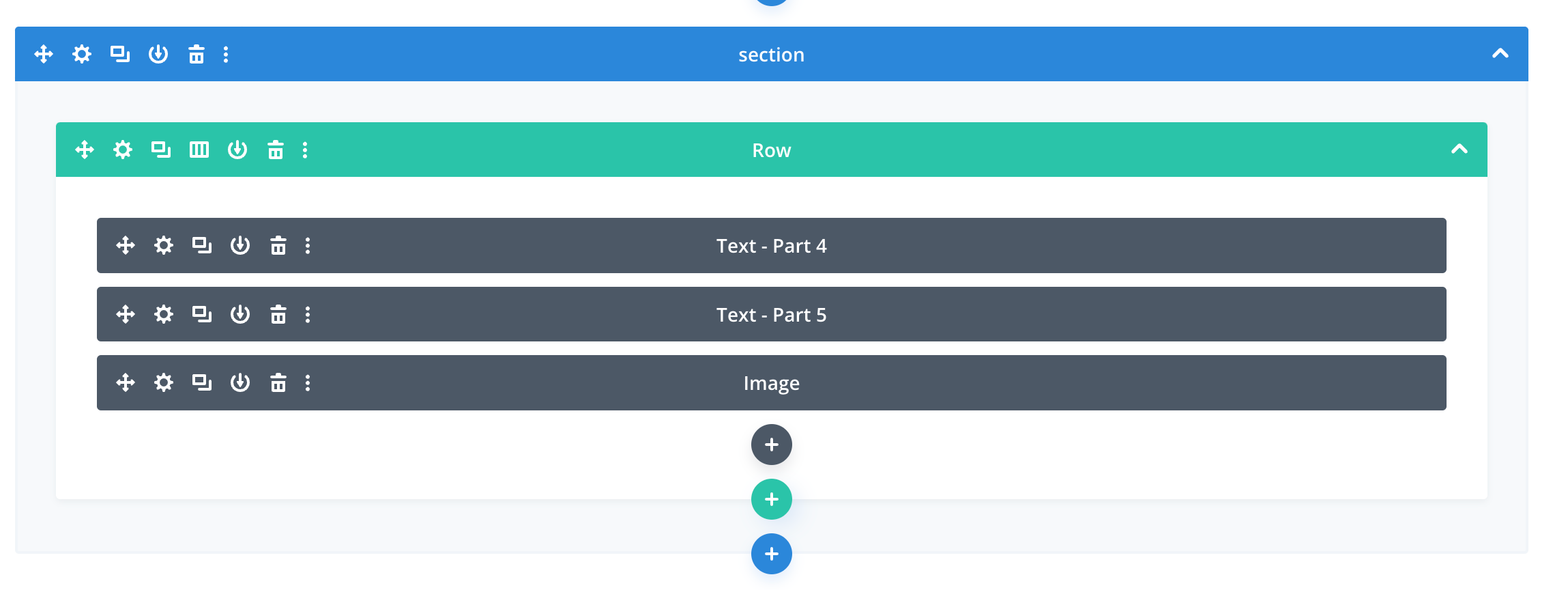
Their approach is to have the actionable icons on the left, the label in the middle, and the open/close toggle on the right.
This way, the label and the actions are far apart, and the actions and the toggle are at the opposite ends.
One, the label is very easy to read, especially when you have lots of sections (blue) and nested rows (green) and nested modules (grey). You can tell them apart even if all of them are collapsed.
Two, by separating the toggle and actions apart, you will not accidentally do one action when you intend to do another one. Since the toggle simply changes the state, and the others will make changes to it directly. I like how they are differentiated by the placing at opposite ends.
The adding of new items, depicted by the floating plus icon of various colors, is well thought of too.
They are placed at the location where new items will be added and they don't attract too much attention as they have about the same visual weight as the accordion rows themselves.
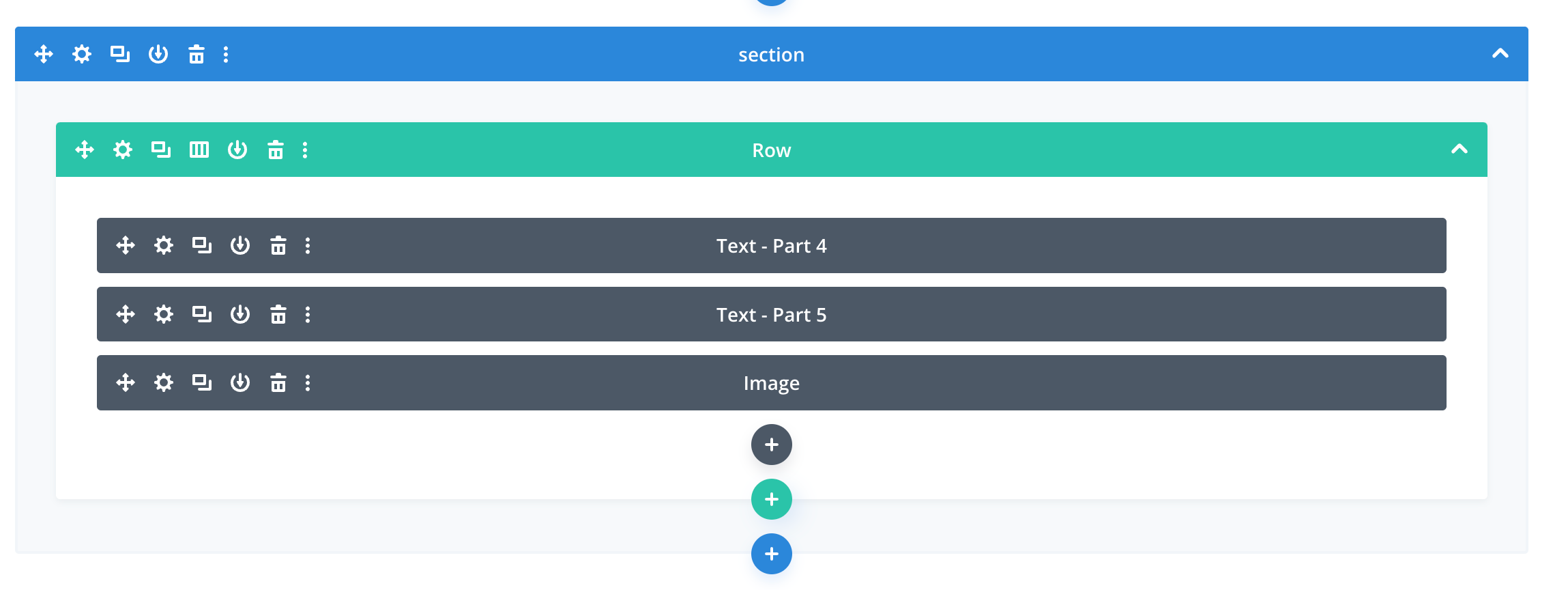
One thing that could be improved thou, is that when an item, eg. the row, is collapsed, you are no longer able to add a new row (See below). It would be good to have to plus icon even when its collapsed so I can easily add a new row regardless of the state of other rows in this section.
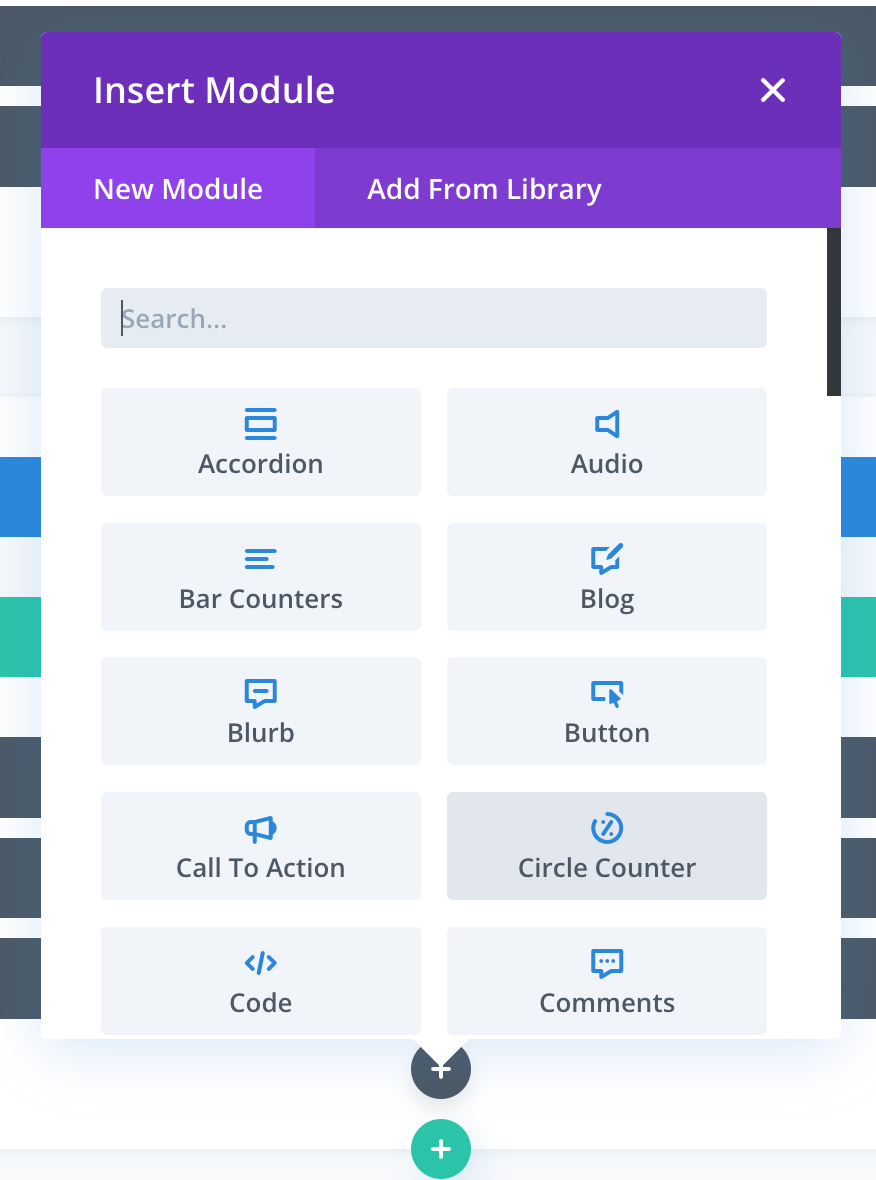
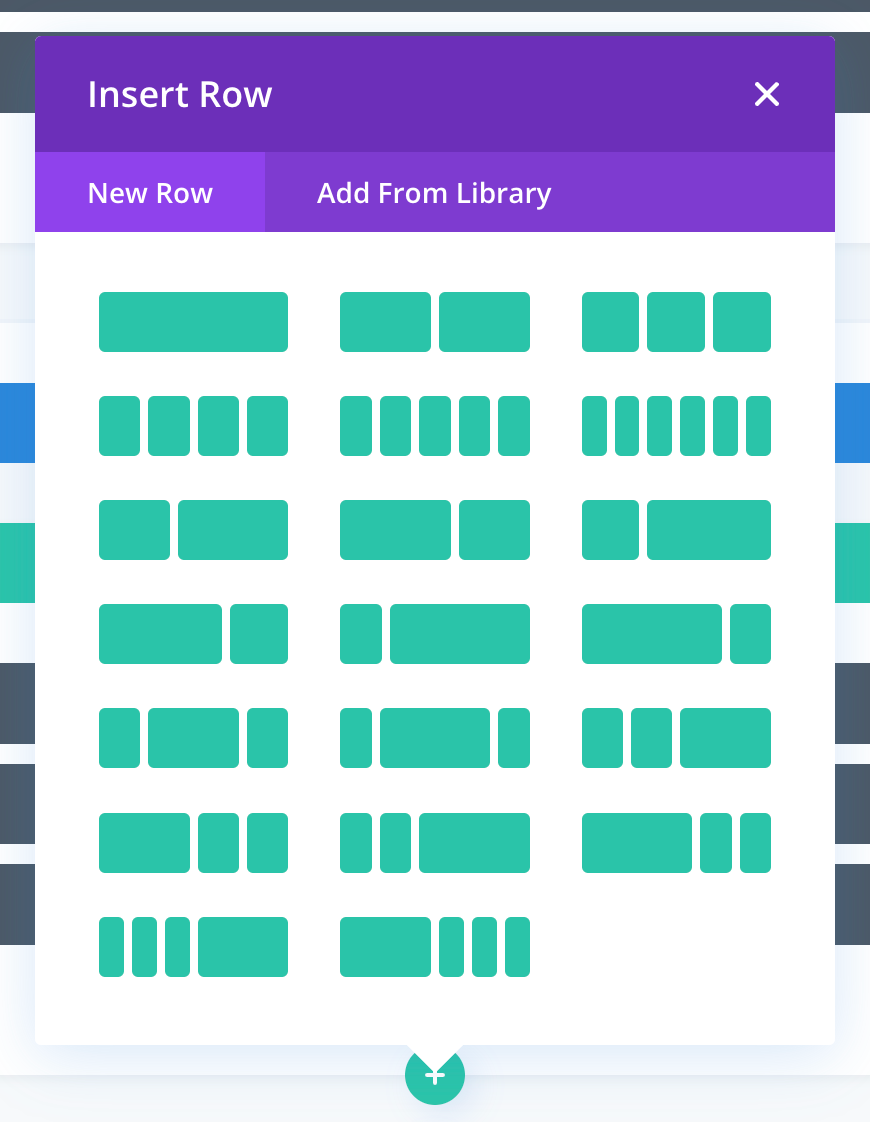
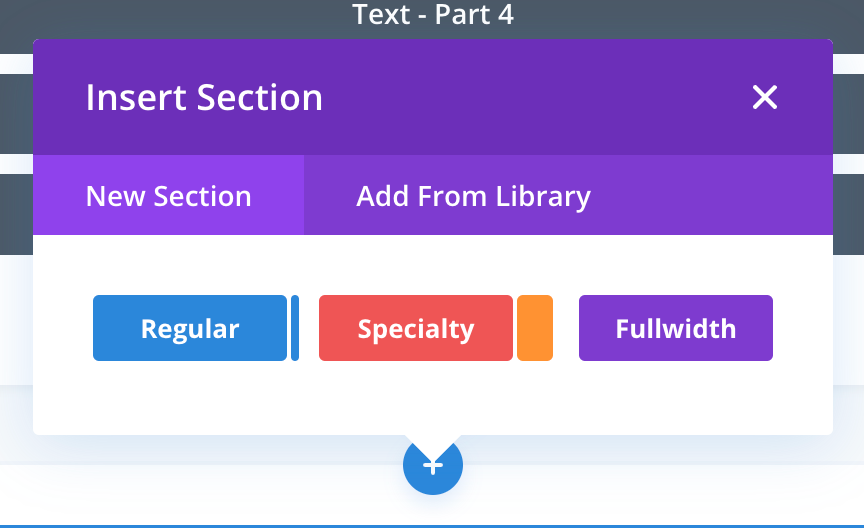
As there are many variations for each item type, a popup modal will appear with all the options:
Popup for inserting module.
Popup for inserting a row.
Popup for inserting a section.
All these gave me some ideas on how to improve the Saas product that my organisation is building, in places where I can insert items with many variations.
Hey! I'm Derrick, a product designer at OmniHR who codes. I typically blog about design, business, cycling, and life in general. You can find me on X, Instagram, LinkedIn and at derrickloo.design. Thanks for coming by!!