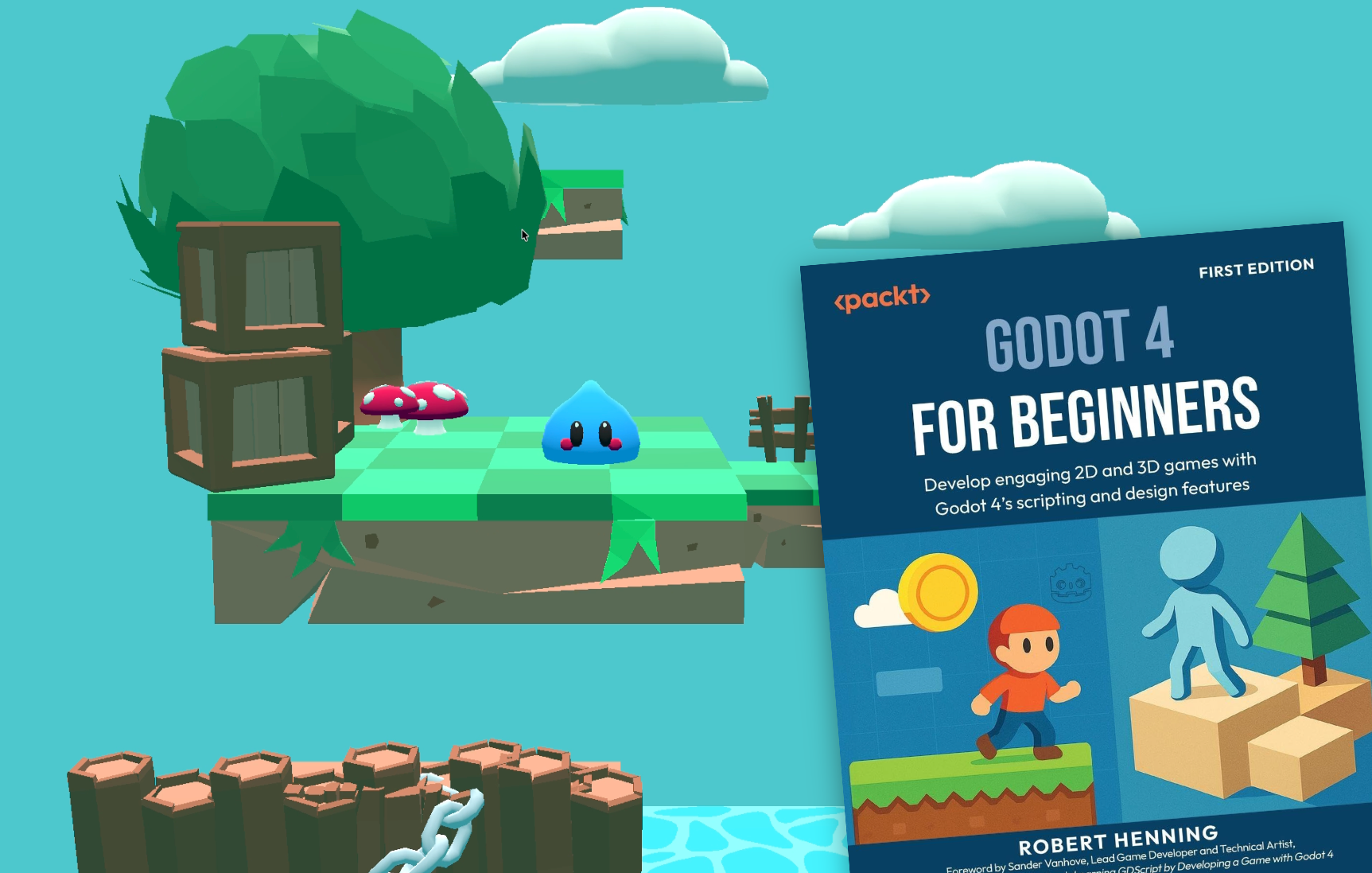
I'm back with my first book review of 2026, and this time it's for Godot 4 for Beginners by Robert Henning and published by Packt.
First, a bit about my review process: I read through books completely, coding along line by line and documenting my thoughts on each section. No summaries, no shortcuts; just focused time dedicated to reading and writing for the love of the process. Note that the links I leave in summaries are not affiliate links. I don't get compensation for your purchases. Now, on to the review.
Review
I was excited to get the opportunity to review this book. As many of you know, I'm a huge fan of teaching game development using open-source technologies, and Godot is my go-to game engine. I can tell you right away that this book does many things right; it makes for a great blueprint for how to write beginner-focused books.
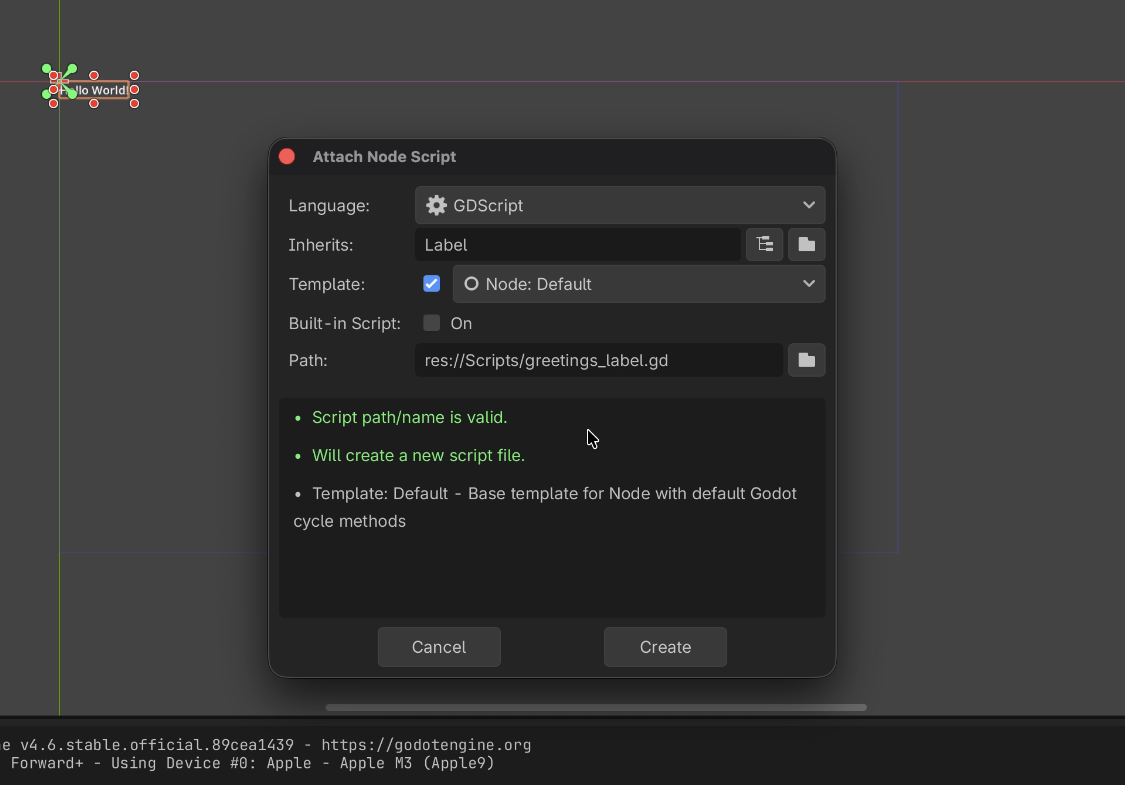
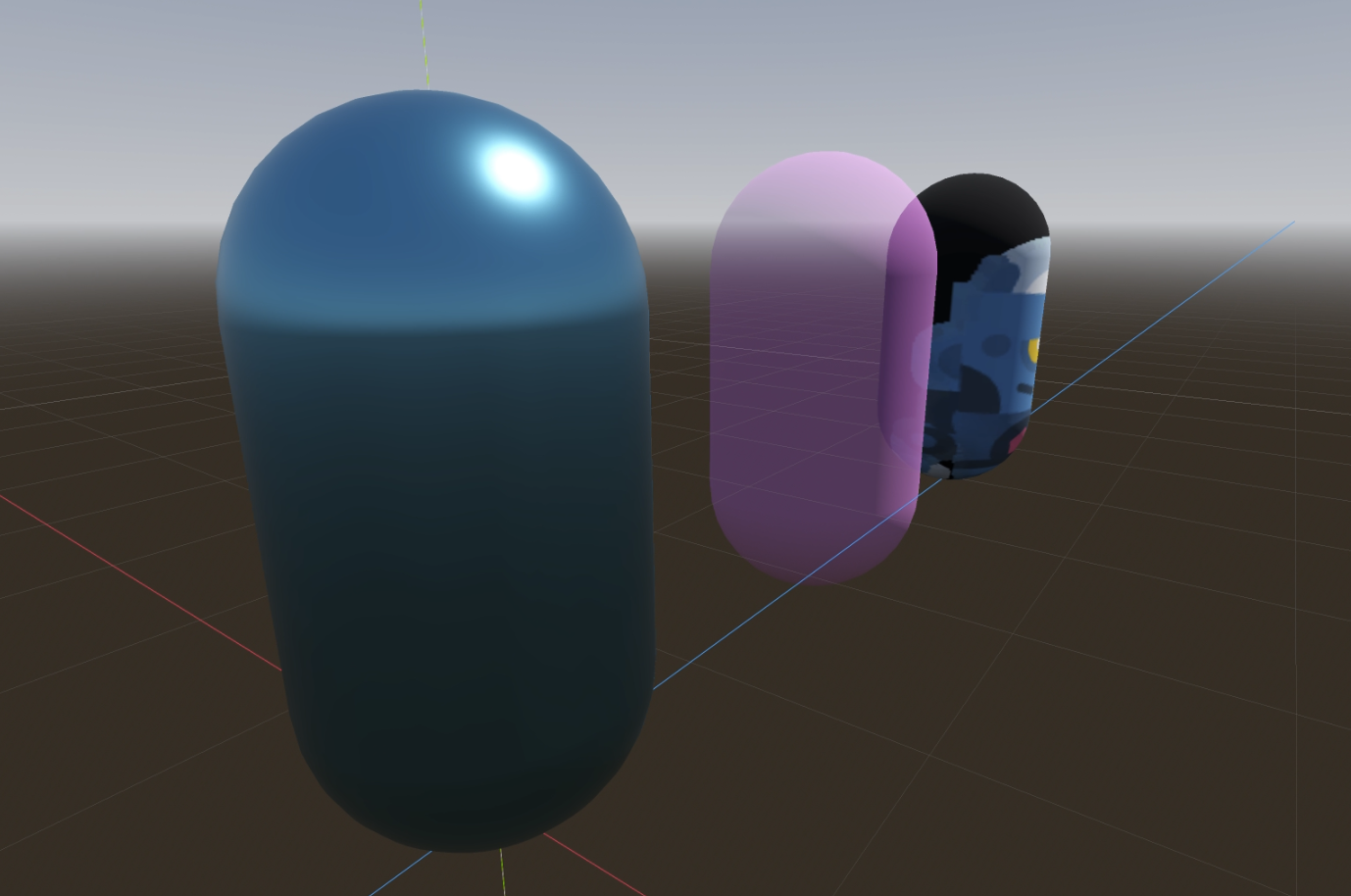
After a brief explanation of game engines and what makes Godot special, you'll dive right into your first project in chapter 1 that introduces you to Godot's node and scene structure, project organization, and even writing your first lines of code with GDScript with an explanation of frame-independent movement using delta time!
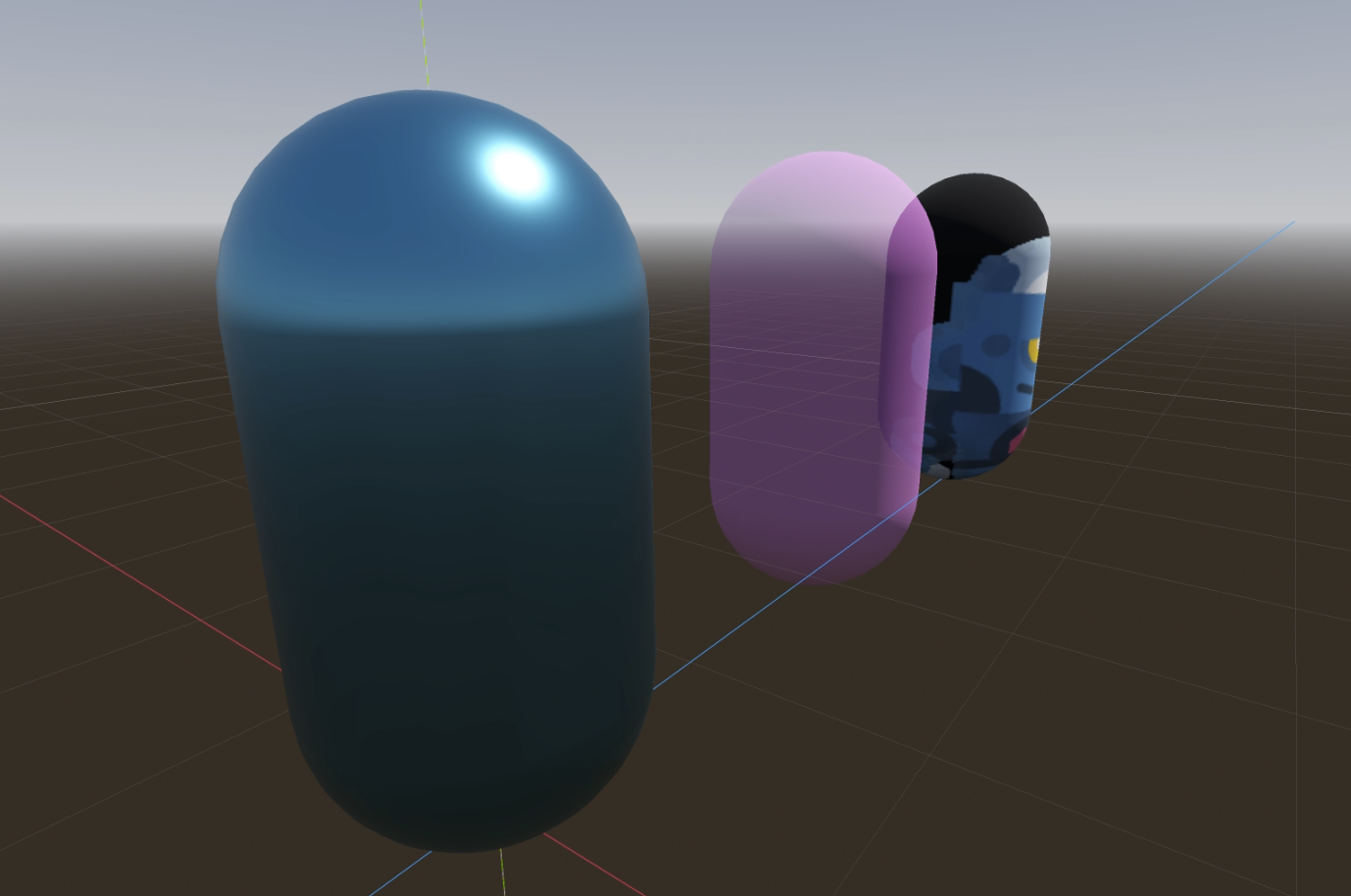
The following 3 chapters cover all the necessary groundwork before the meat of the book starts. You'll go on a tour of the Godot Editor itself, an introduction to working in 3D, and learn more about GDScript.
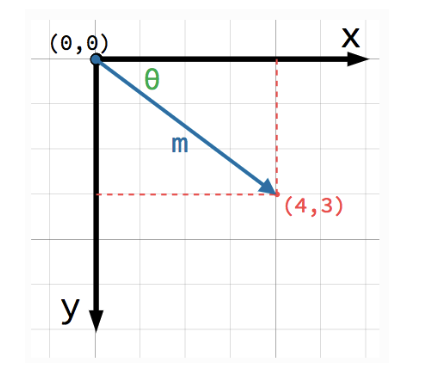
Chapter 5 is where all the fun begins with an entire chapter dedicated to understanding vectors and coordinate spaces! All beginner game development books should have a chapter dedicated to them since it is fundamental to what we do. You'll learn what vectors are, common scenarios we use them for, how and why they are normalized, and examples of standard math operations applied to them.
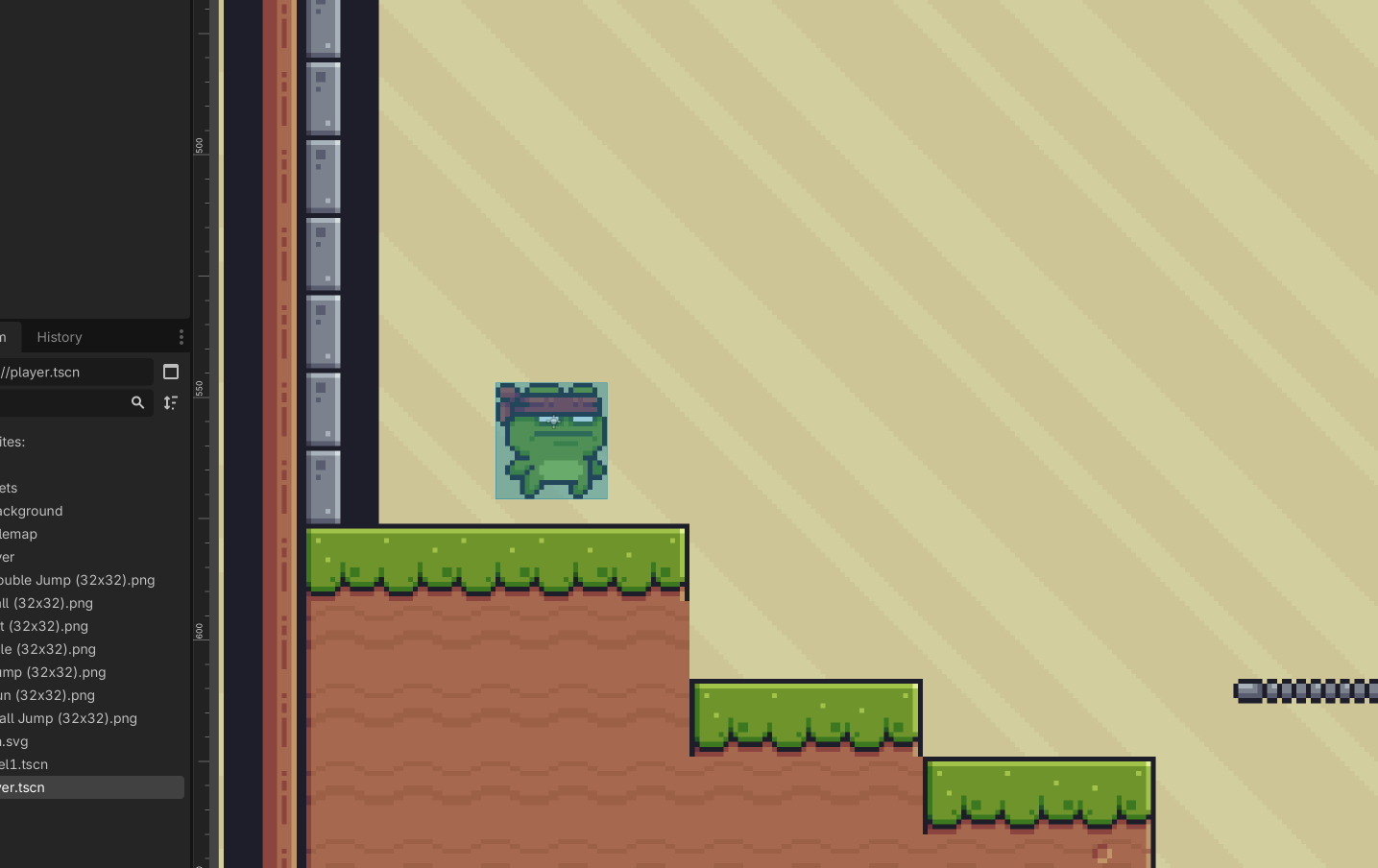
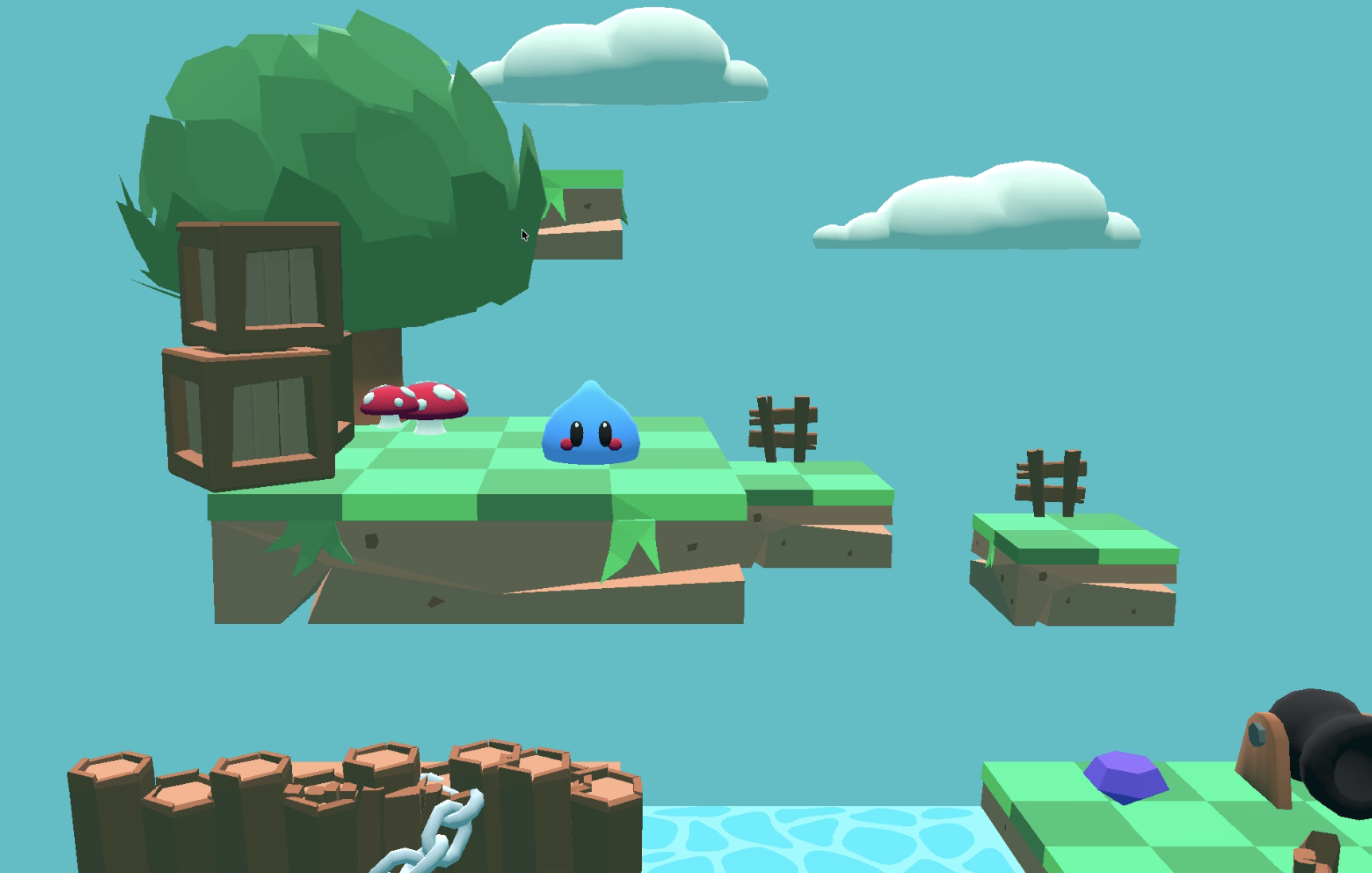
Equipped with an understanding of vectors, you'll then put what you've learned into practice by building two mini-games: one in 2D and another in 3D. These projects are fun to make, and they also look great thanks to Pixel Frog and Essssam, the artists that allowed their assets to be used for this book!
Something worth noting: If you're interested in authoring a book on game development (and you're not an artist), consider partnering with one to get some great visuals for your projects. They can help keep beginners excited about the projects and maintain motivation.
The book ends with two important chapters on adding game juice and understanding the foundations of game design. Too often these topics are skipped. This additional content helps beginners understand what makes their favorite feel great to play, and the importance of the artistic and storytelling aspects of games and how to document ideas with a game design document.
Summary
My final thoughts are simply that this book is near perfect for beginners. It covers all of the fundamentals with great pacing, and even includes additional content that altogether gives the reader enough information to venture forth making their own games.
I highly recommend this one! Get it on Amazon here. (not an affiliate link)